
Enterprise AI
An AI Agent Edits ERP Master Data: How Do You Trace a Bad Change?
When companies let an agent edit ERP master data, they need strict tracing and controls. The agent logs in with its own account and records the old and new values, the requester, and the source document for every change. High-risk key fields need human approval first, and when a change goes wrong, the audit trail lets the team trace and roll it back quickly.

When an agent edits ERP master data, start by giving the agent its own account. For every change it records which record and field it changed, the old and new values, who requested it, and which document it is based on. For high-risk fields such as supplier bank accounts and credit limits, the agent only prepares the change, and it takes effect after a person approves it. When a change goes wrong, use the change log to restore the original value and find which documents it affected.
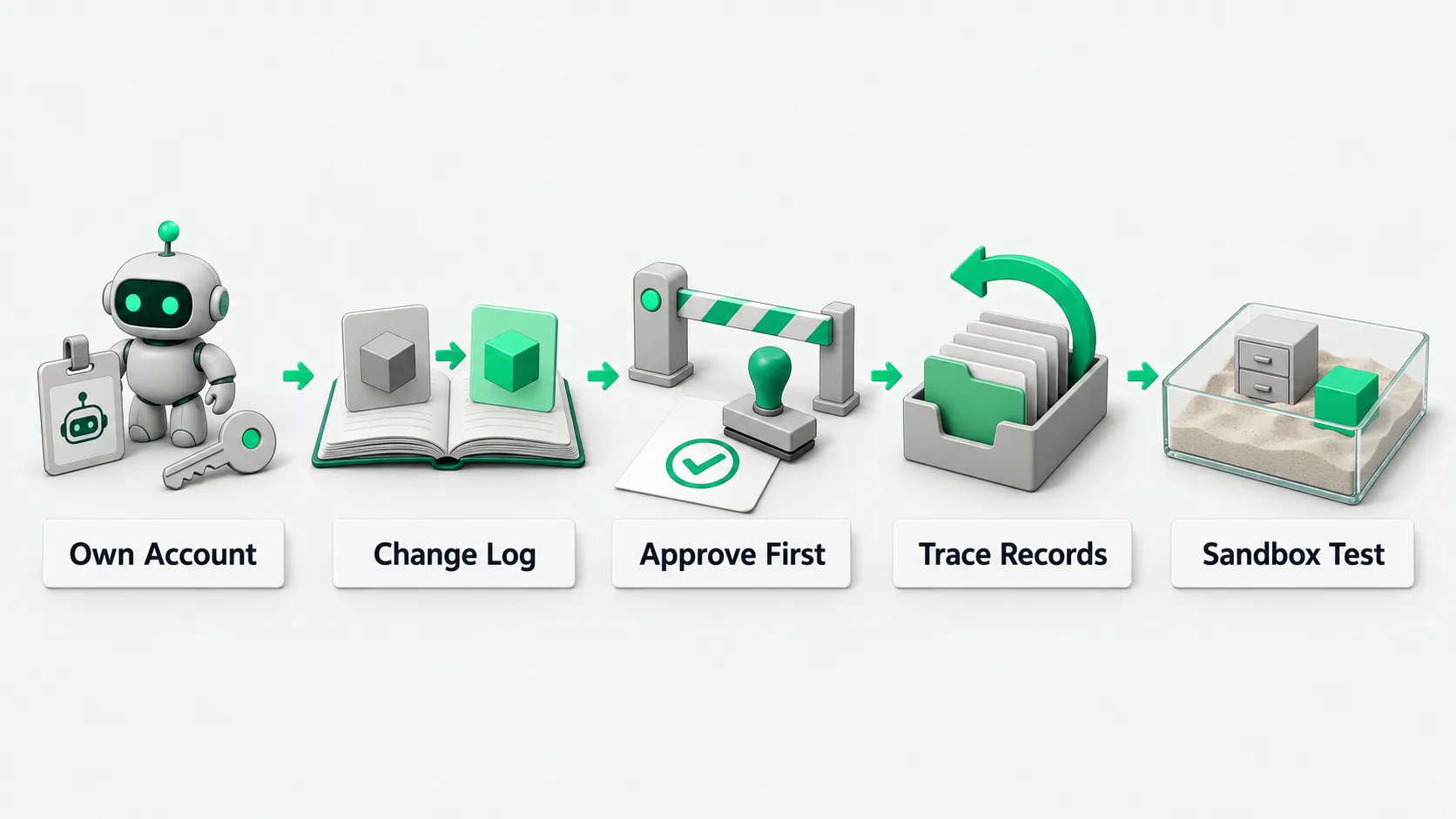
Agent login identity and tiered field permissions
The system administrator first creates a dedicated system interface account for the agent in the ERP. The agent does not share or borrow an employee’s personal account. This way the log shows which changes the agent made and which a person made.
Data fields get tiered permissions by business sensitivity. For routine information such as material packaging specs, alternate units of measure, or invoice tax codes, the agent may write directly after receiving a business instruction. For customer settlement methods, payment terms, and core supplier information, the system only grants draft permission.
Set the permission boundaries clearly before connecting the agent to the business. Before connecting to production, test permission isolation in a separate environment with synthetic data. For the testing method, see Agent Test Environment: Use Synthetic Data Before Connecting a CRM?.
Record the old value, the new value, and the basis for every change
Every master data write the agent performs leaves a tamper-proof entry in an audit table. The entry records the data table, the target field name, the old value, the new value, and the timestamp. This field change record is stored separately from the ERP’s built-in log.
For example, a buyer asks to change a supplier’s usual shipping address. The agent records that the field changed from the old address to the new one. The log records the value change and also attaches the buyer’s employee ID, the document number, or an approval screenshot, which ties the change to its business source.
Log storage permissions are separate from the agent’s runtime environment. The agent has no interface permission to edit or delete logs. Even if the model’s logic misbehaves or an outside instruction is flawed, every change trail stays intact.
Bank accounts and credit limits: approve before changing
Supplier bank accounts, taxpayer identification numbers, and customer credit limits are high-risk key fields, and the agent follows an approve-then-change process for them. When it receives a request to change one of these fields, the agent pulls the supporting documents and creates a pending approval, sent to the finance and risk control leads.
For example, a change to a supplier’s receiving bank account often comes with a risk of commercial fraud. The agent only prepares the change form. Finance contacts the supplier through the contact details already on file to verify it, and the new account does not take effect until it is verified.
Only after the offline review passes and the reviewer signs an electronic approval in the system does the agent write the new account into master data.
How to roll back and assign responsibility from the change log
If the team finds the agent changed master data based on a wrong instruction, the administrator pulls the log table at once to find the scope of the change. They restore each field to the old value in the log, and the restore is also logged. The rollback uses the old value in the field change record as the source of truth.
After the restore, the team also checks documents that used the wrong data during that time. For how to split responsibility, see AI Agent Rollback: How to Undo a Bad Action and Who Is Accountable. The administrator pulls the change history, finds the sales orders, purchase orders, or statements created during that time that referenced the wrong data, and gives the list to the business lead.
Based on the impact list, the business lead decides whether to void and reissue each document or settle the difference. The technical team finds the instruction and the rule that caused the bad change, reproduces it in the test environment, fixes the rule, and updates the rule library after the fix passes.
ERP master data edits: FAQ
Can the agent edit large amounts of master data in bulk?
The agent can take on bulk edits, but only after a small pilot and a human pre-review. For large data changes, the agent first exports a preview list with old and new values side by side for the business manager to sign. After sign-off, it runs on a few records first, and runs the full set only after those check out.
Can a salesperson tell the agent directly to make a change?
Ordinary staff cannot freely instruct the agent to change core data. The agent checks the requester’s role permissions. Only routine non-key fields can flow through automatically based on business documents. For highly sensitive fields, the request goes through approval and the agent acts only after authorization.
Is the ERP’s built-in field change record enough?
The built-in record often logs only the value change and lacks the business context. If the system’s own field change record cannot show who asked the agent to make the change or which document it was based on, the company adds a business log on the agent side that stores the requester and the supporting attachments with each change.