
AI Coding
Grok Bot Pricing: Which Plans Include the Bot?
To assess Grok Bot pricing, first check which plans include Bot access. On The X Subscription, the Premium, Super, and Ultra tiers include Grok Bot, and usage is shared weekly between Grok and Cursor. Past the allowance you can top up with prepaid credits and set a monthly spending cap.
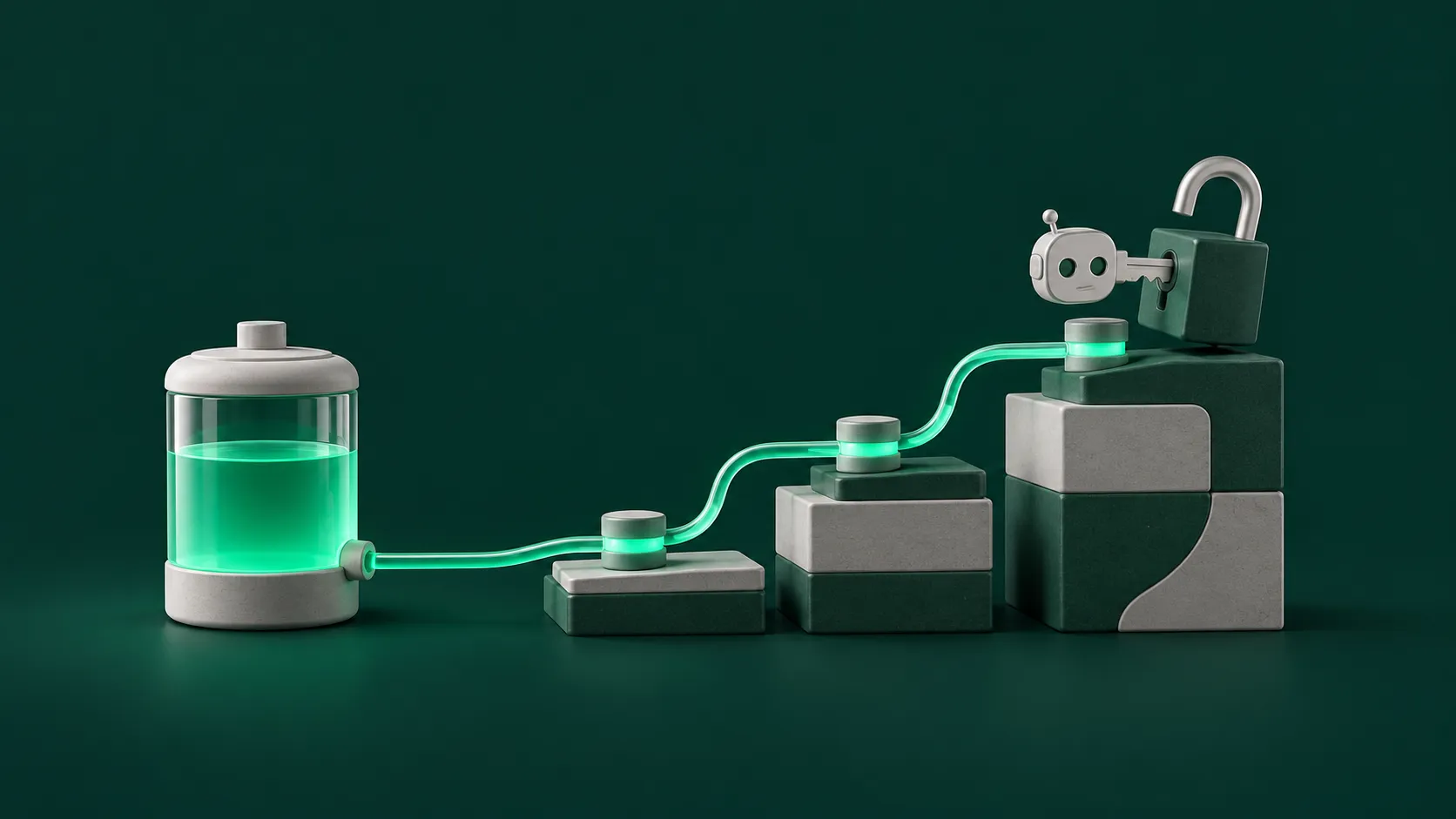
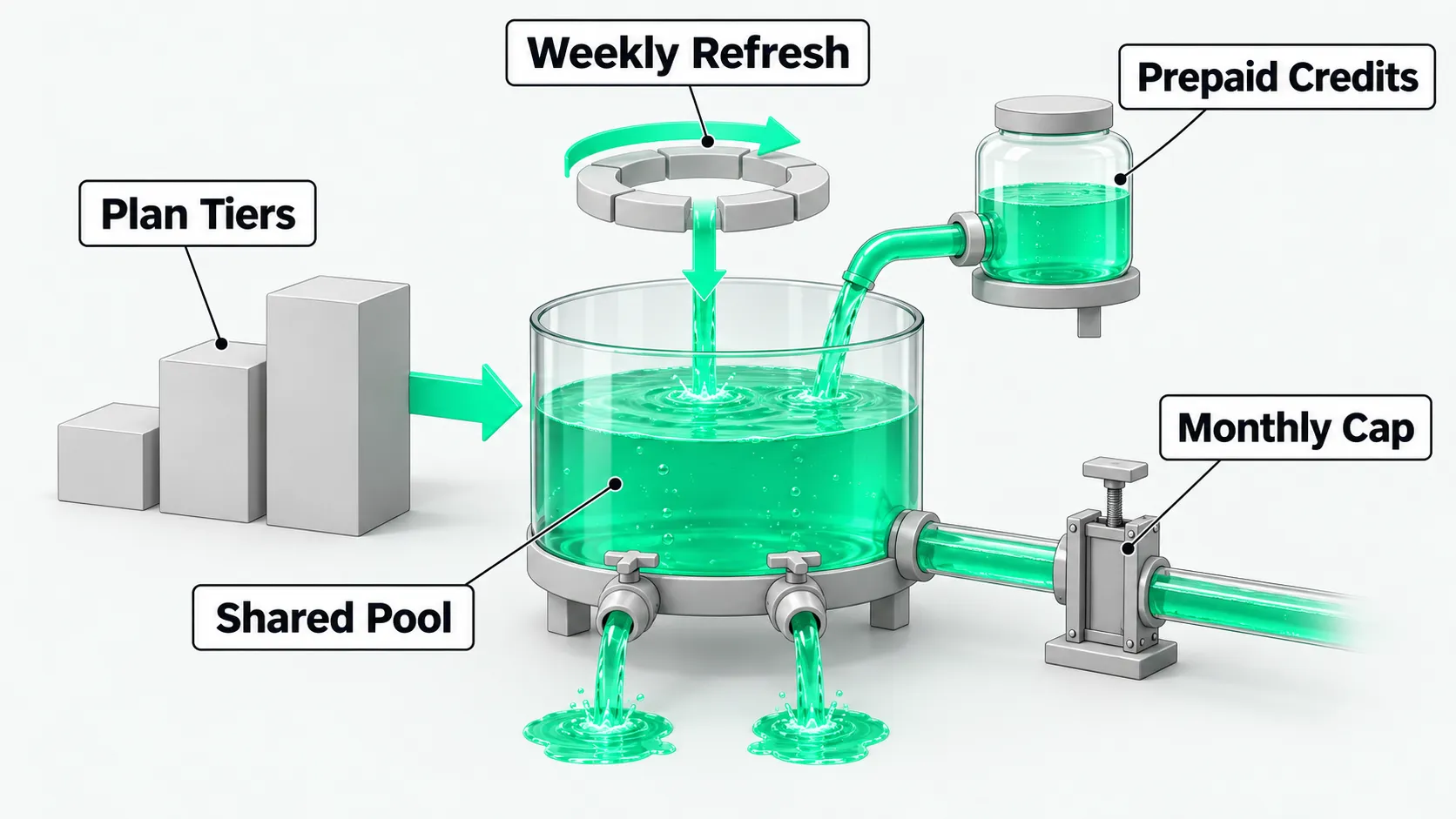
To assess Grok Bot pricing, first separate what each tier includes from how it is billed. On The X Subscription, the Premium, Super, and Ultra tiers include Grok Bot. Free and Plus do not. Usage refreshes weekly, and Grok and Cursor share one allowance pool. After it runs out, you top up with prepaid credits, and you can set a monthly cap on extra usage in the dashboard. For exact prices, check the x.ai pricing page on the day.
Which plans include Grok Bot
According to the x.ai pricing page, there are five tiers: Free, Plus, Premium, Super, and Ultra. Grok Bot is listed from the Premium tier up. Listed prices exclude taxes, third-party models called inside Cursor are billed separately, and prices may change. If you are not yet clear on what Grok Bot is for, start with What Is Grok Bot? An AI Agent Guide to Persistent Teammates.
On The X Subscription, Premium, Super, and Ultra include Grok Bot for both individual and team seats. Plus and Free do not, and you need to upgrade to Premium or above. When choosing an X Subscription plan, first check whether that tier includes the Bot.
The official recommendation is Premium for people new to AI, Super for daily Agent use, and Ultra for heavy users. Plus suits social creators who use AI lightly. Collaborating teams choose Teams, and large organizations look at Enterprise. Subscriptions are sold directly by X Subscription Corp. No third parties are authorized, and a subscription bought elsewhere may be deactivated.
How the weekly pool is shared and refreshed
According to the x.ai pricing page, each tier comes with one AI usage pool shared between Grok and Cursor. In Grok, the pool covers Chat, Imagine, Voice, and Bot. Higher tiers have larger pools, and different products use it at different rates. Under one X Subscription plan, Grok and Cursor usage comes out of the same pool.
According to the Cursor plans and billing docs, Grok Bot has no separate metering. It draws from the same weekly pool as Cursor and Grok. Super and Ultra have larger weekly pools than Premium. The allowance refreshes weekly. Check remaining usage in Settings or under Usage at grok.com/dashboard. When it runs out, wait for the refresh or top up.
Topping up and setting a cap after the pool runs out
According to the Cursor plans and billing docs, once the weekly pool is used up, extra usage comes out of prepaid credits. You can buy credits or turn on Auto Top-up.
To control spending, set a monthly cap on extra usage under Additional usage credits at grok.com/dashboard/billing. To stop all charges after the pool runs out, leave Auto Top-up off or set a cap. See the Cursor FAQ.
According to the Cursor plans and billing docs, the Grok Bot trial is a single usage allowance with a separate seven-day limit. It is charged by Agent steps and tokens, not by message count. One large task can use it all at once, and used allowance is not refunded or replaced.
Put weekly refreshes plus top-ups into the annual budget calculation. To work out the budget, see Can an Annual IT Budget Handle Usage-Based AI Pricing?.
How legacy plans and SuperGrok count
According to the Cursor plans and billing docs, the legacy plans Pro, Pro+, Ultra, and Cursor Teams include Grok Bot. Weekly usage is highest on Ultra, then Pro+, then Pro. Older accounts can link a personal SuperGrok, SuperGrok Plus, SuperGrok Heavy, or X Premium+ subscription for usage. SuperGrok Lite is not included.
Linking is a usage grant. It is not a Cursor plan, and it cannot be unlinked and moved to another account. Usage from the two sides does not stack. The side with more weekly usage applies. Users on The X Subscription do not need to link.
According to the Cursor mobile guide, if your account already includes Grok Bot, sign in on the phone with the same Cursor account. Do not buy a second subscription in the app store.
Grok Bot pricing: FAQ
Can Plus use Grok Bot?
No. According to the Cursor plans and billing docs, Plus and Free do not include Bot access. You need to upgrade to the Premium, Super, or Ultra tier.
One task used up the trial allowance. Can it be replaced?
No. The trial is a single usage allowance with a separate seven-day limit. Used allowance is not refunded or replaced. To keep using Grok Bot, upgrade to Premium, Super, or Ultra.
If a team buys an X Subscription plan, can everyone use Grok Bot?
When a team buys The X Subscription, every paid seat (Premium, Super, Ultra) includes Grok Bot, and usage comes out of that seat’s weekly pool. Large organizations that need invoices, a shared usage pool, or advanced security look at Enterprise.