
AI Basics
Which GEO Metrics Should You Track?
Track GEO in three layers (mention rate, citation rate, recommendation quality), check GA4 and Search Console for outcomes, and sample answers repeatedly.
Track GEO metrics in three layers. Layer one is visibility: the share of AI answers to a fixed set of prompts that mention you. Layer two is citation rate: the share of answers that link to your site, and which page they link to. Layer three is recommendation quality: whether the answer describes you accurately, what the tone is, and whether it recommends you to the right customers. On top of the three layers, track outcomes: sessions and conversions from AI assistants in GA4, and impressions of your pages in AI Overviews and AI Mode in Search Console.
Keep these numbers separate from traditional rankings and clicks. There are two reasons.
First, AI answers have no stable rank. SparkToro and Gumshoe had 600 volunteers run 12 prompts through ChatGPT, Claude, and Google AI 2,961 times. The chance that ChatGPT or Google AI returned the same brand list twice was under 1%. The chance of the same list in the same order was about 1 in 1,000. With rank moving this much, a single screenshot tells you nothing. Appearance rate in the same data was steadier: when Google AI was asked for e-commerce digital marketing consultants, Smartsites appeared in 85 of 95 answers.
Second, a search position does not convert into weight inside an answer. The GEO paper (Aggarwal et al., KDD 2024) says average ranking fits a list of blue links and does not fit generative answers. The authors measure visibility by how many words of the answer belong to sentences that cite the source, and how early those sentences appear. For how AEO differs from ranking, see What Is AEO, and How Is It Different from Search Ranking?. This note covers measurement only.
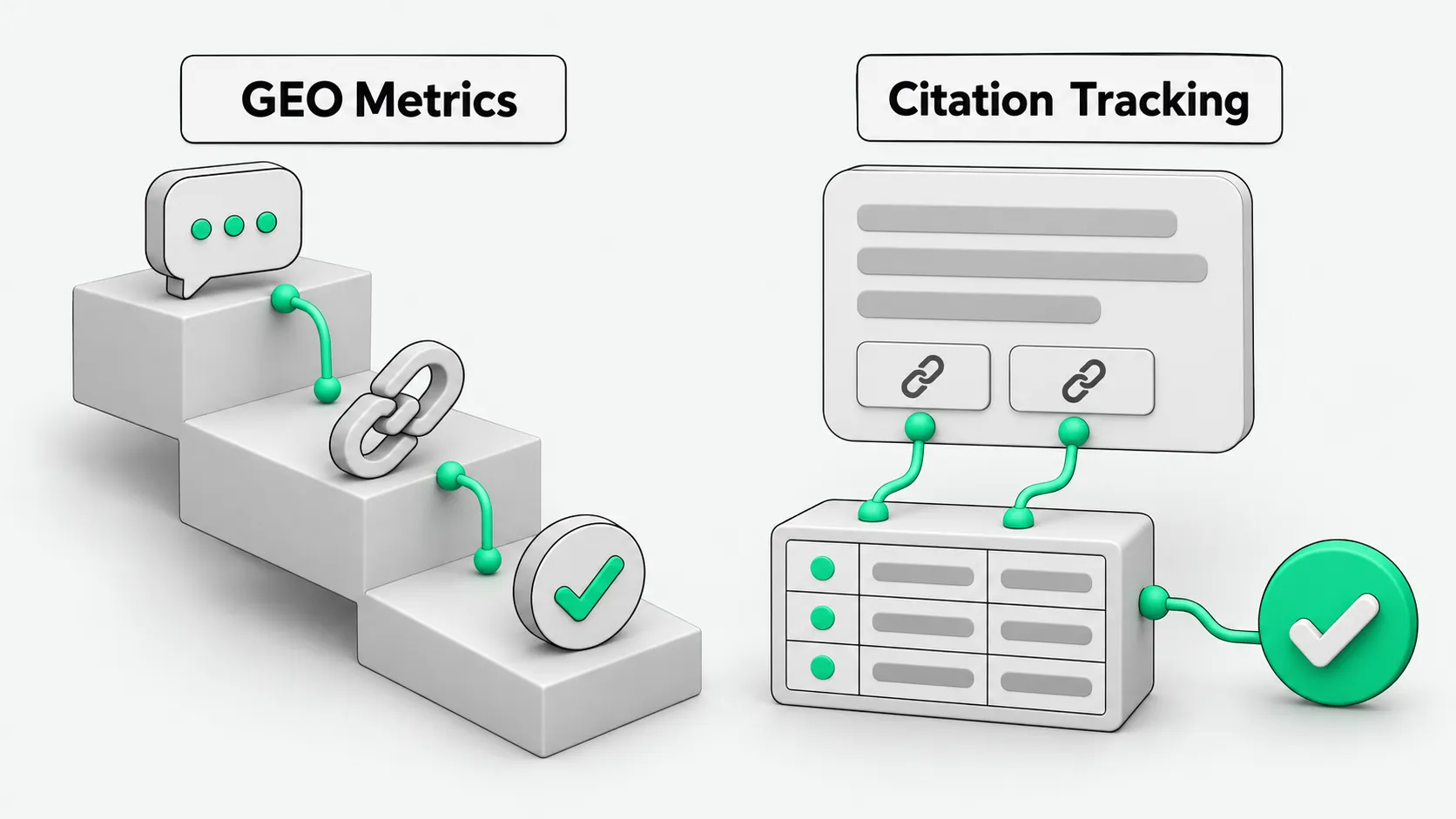
How to layer the metrics: one table
| Layer | Metric | How to measure | Common misreading |
|---|---|---|---|
| Visibility | Mention rate = answers that mention you ÷ total answers | Fixed prompt set; run each prompt several times; count answers that contain your brand name | Three mentions in one answer still count once. A mention is not a recommendation. |
| Visibility | Share of voice = your mentions ÷ mentions of you plus competitors | Fix the competitor list first; count everyone in the same batch of answers | This is a relative number. Change the competitor list and it jumps. |
| Citation | Citation rate = answers linking to your domain ÷ total answers | Read the source links in each answer; record the domain | Being mentioned is not being cited. An AI can read your page and still not cite it. |
| Citation | Cited pages | Record the exact URL that was cited | An old blog post and the product page you want to push are very different results. |
| Recommendation quality | Accuracy | Check by hand: product name, target customer, capability limits, price tier | A positive tone can carry wrong facts. |
| Recommendation quality | Sentiment and recommended use case | Tag positive / neutral / negative; check whether the recommended customer is one you actually serve | Leads from the wrong customers do not close. |
| Outcome | AI referral sessions, key events | GA4 AI Assistant channel plus your own channel group | The channel relies on the referrer. Visits without one are missed, so treat the number as a floor. |
| Outcome | AI Overviews / AI Mode impressions | Search Console generative AI report | The report gives impressions. More impressions do not mean more clicks. |
Tools define these metrics differently, so do not compare numbers across tools directly. In Semrush, Mentions is the number of prompts whose answers include your brand, Citations is the number of answers that cite your domain, and Share of Voice is your share of mentions among competitors. Ahrefs Brand Radar counts several mentions in one answer as 1. It records pages it read but did not cite (Found in) separately from citations. Its share is weighted by search volume, and Ahrefs notes that changing the competitor setup can move the number a lot. Any tool works. Write down your own definitions first.
How to measure: fixed prompts, weekly sampling
- Fix the prompt set. Copy the questions buyers actually ask from sales and support logs. Sort them into four types: category (“What tool should I use for X?”), use case (“We are a Y-type company. What should we pick?”), comparison (“A or B?”), and brand (“Is Company Z reliable?”). Start with a few dozen and stop changing them once fixed.
- Run each prompt more than once. One run gives one answer, and randomness will mislead you. Run each prompt several times and compute an appearance rate.
- Log the setup. For each record, note the product (ChatGPT, Perplexity, Google AI Mode, and so on), whether web search was on, region and language, date, and whether you were logged in. Store the full answer and its source links.
- Review weekly. Look at four-week trends, not daily moves. If you change the prompt set or the competitor list, mark it in the sheet. Numbers before and after the change are not comparable.
- Group traffic in GA4. Google defines the AI Assistant channel as visits from sources such as ChatGPT, Gemini, Deepseek, Copilot, and Grok, identified from a list of AI assistant sources. It excludes Google’s AI Overviews and AI Mode. The list does not name Perplexity, so build a custom channel group and add perplexity.ai and similar sources to its rules. GA4 assigns traffic to the first matching channel in order, so place this channel above Referral.
- Cross-check in Search Console. The generative AI report counts how often your links were shown in AI Overviews and AI Mode, broken down by page, country, device, and date. It has been available to all sites since August 31, 2026. Data from Search Labs experiments is excluded. Clicks from AI Overviews and AI Mode do not land in GA4’s AI Assistant channel.
For conversions, use only the key events you already have in GA4. This note does not cover attribution. For how to write pages that get cited, see How to Get ChatGPT and Perplexity to Cite Your Website.
For how to record lead source once inquiries move to WhatsApp and email, see How to Record Lead Source When AI Sorts WhatsApp and Email Inquiries.
How to use it: checklist and agent guardrail
Run through this before each weekly report:
- Is the prompt set the same as last week? If it changed, is the change marked?
- Are mention rate, share of voice, and citation rate in three separate columns?
- Is each cited page recorded as an exact URL?
- In the sampled answers, are the product name, target customer, and price tier correct? Are errors logged?
- In GA4, is the AI channel placed above Referral? Is Perplexity in the rules?
Agent guardrail (paste into a monitoring or weekly-report agent)
When producing the weekly GEO metrics report:
1. Use only the fixed prompt set. If prompts or the competitor list changed, state it at the top of the report.
2. Record mentions, citations, and recommendation quality separately. Do not merge them into one "AI visibility score".
3. For every answer, log: product, web search on/off, region and language, date, full answer text, all source URLs.
4. A brand mention is not a citation. A page that was read but not linked does not count as a citation.
5. List description errors (product name, target customer, price tier, capability limits) separately, with the original text attached.
6. Do not report rank. Report only appearances / total runs.
7. Label GA4 numbers "visits with a referrer only; this is a floor". Report only impressions from the Search Console generative AI report.
8. Use only this week's measurements or verified sources. Do not estimate or invent industry averages.
GEO metrics: FAQ
Can GEO metrics and SEO metrics share one table?
Yes, in separate columns. SEO tracks rank, clicks, and click-through rate. GEO tracks mention rate, citation rate, and recommendation quality. Do not use rank to estimate AI citations. The GEO paper states that average search ranking does not apply to generative answers. When both sides move together, compare them side by side, but do not convert one into the other.
How often should I check, and what do I check first when numbers drop?
Check weekly and look at four-week trends. When a number drops, check three things first: whether the prompt set or competitor list changed, whether the model or product was updated, and which layer dropped. If mention rate held and citation rate fell, check whether the cited page changed. If mention rate fell, find which prompt types stopped mentioning you.
What is citation tracking, and how do I do it?
Citation tracking records which source links an AI answer attaches, so you can see whether your pages are cited, which page, and which sentence the link supports. Method: copy every source URL from each answer into the sheet, mark which ones are on your domain and which page, and record the sentence each one supports. Put pages that were read but not cited in their own column; Ahrefs separates Found in from citations the same way. Also record third-party sites that cite your competitors but not you. Semrush calls these Source Opportunities.
Sources
- Google Search Console Help, “Generative AI performance report (Search)”
- Google Search Central Blog, “Introducing Search Generative AI performance reports in Search Console” (2026-06-03; note added August 31 on full rollout)
- Google Analytics Help, “Default channel group” (AI Assistant channel definition)
- Google Analytics Help, “Custom channel groups”
- Semrush Knowledge Base, “AI Visibility Metrics”
- Ahrefs Help Center, “AI Visibility Metrics” (Brand Radar)
- SparkToro, “NEW Research: AIs are highly inconsistent when recommending brands or products” (Rand Fishkin, 2026-01-28)
- Aggarwal et al., “GEO: Generative Engine Optimization” (arXiv 2311.09735, KDD 2024)