
Enterprise AI
Grok Bot vs ChatGPT: A Cloud Teammate or Another Chat Window?
Since Aug 26, Grok Bot is in Cursor Pro, SuperGrok, and Cursor Teams. Unlike ChatGPT, it takes a task and keeps working on a cloud computer after you log off.
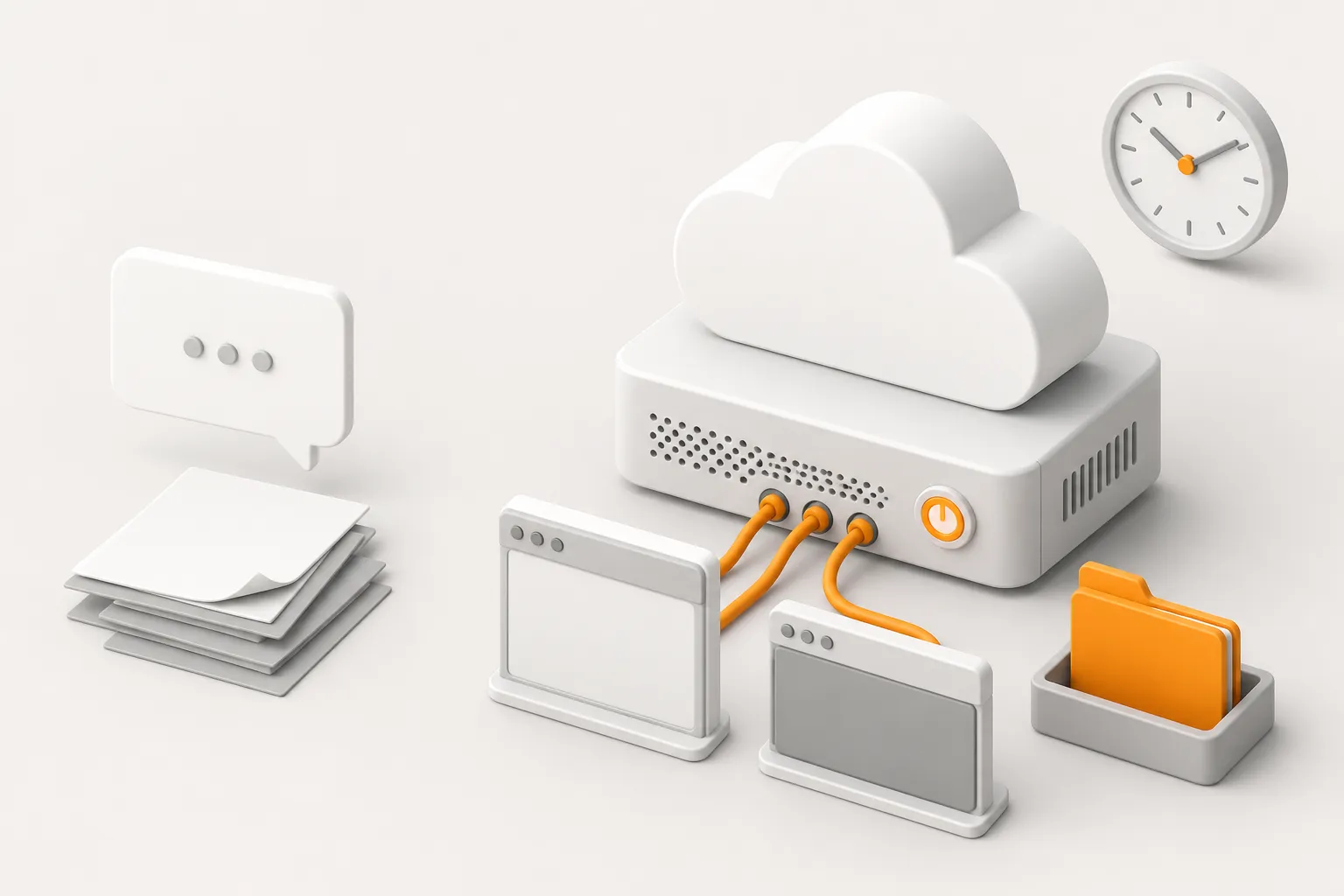
On August 11, Grok Bot was still a beta on top-tier plans. The official Cursor forum post listed SuperGrok Heavy, Cursor Ultra, and Cursor Teams Premium. On August 26, an xAI announcement extended it to all SuperGrok plans, Cursor Pro, and Cursor Teams (Standard and Premium). From that day, anyone already paying for Cursor Pro has a cloud teammate that can take a task. They do not need to open another chat tab.
That explains the sudden searches for “Grok Bot vs ChatGPT.” ChatGPT’s unit of work is one conversation. Grok Bot’s unit of work is a task you can walk away from.
What is different about the new product
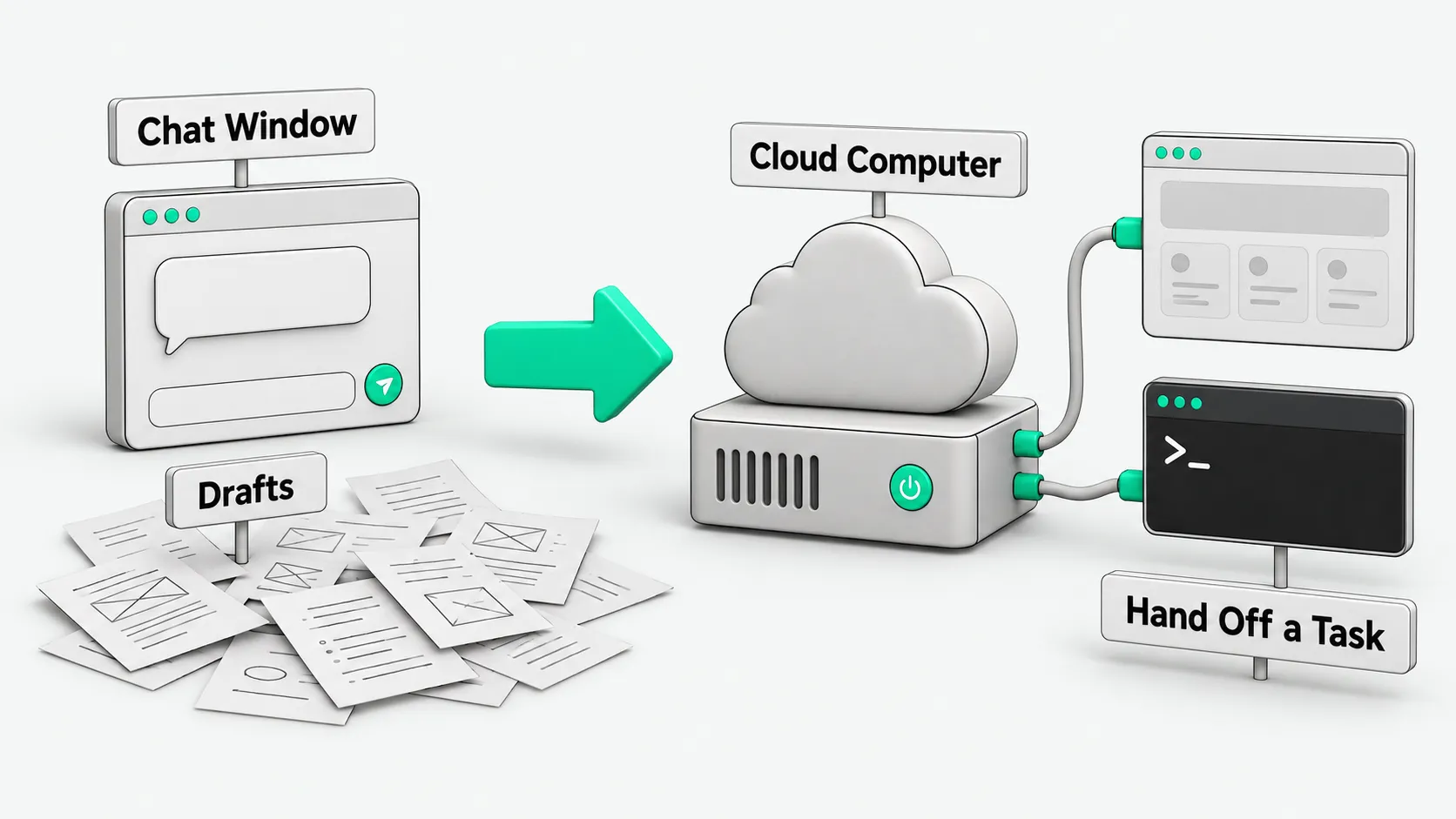
The August 26 announcement is specific. The Bot is a digital teammate with its own computer in the cloud. Its browser and terminal stay open. It signs in to the apps you already use, and the work happens in those tools instead of in chat drafts. The Cursor getting-started doc puts it plainly: unlike a one-off chat, the agent remembers context and keeps working while you are away.
Three things differ from a ChatGPT window:
- A cloud computer instead of a chat box. Files, sign-in sessions, and unfinished steps stay on that computer. The help docs call it a cloud computer. Phone and desktop share the same account and the same computer. The docs currently list iOS only for mobile.
- You hand off a task instead of asking one more question. The roles in the August 26 announcement all follow “finish it, then report back”: clear an inbox, build and deploy a site, process refunds per policy, take notes for a meeting you missed. You keep the calls on sending, paying, and deleting. You do not prompt each step.
- Usage is metered separately. “Grok Bot comes with its own usage, separate from your Grok and Cursor plans.” Handing off tasks does not draw down your model quota in the IDE. Cursor’s help page says there is no separate Grok Bot subscription; you sign in with the same Cursor account. Pro, Pro+, and Ultra differ in weekly usage limits. All three include the cloud computer. The new plans launched on October 12 share one usage pool instead; see the update above.
There is no second account to manage. From the help docs: “Grok Bot uses your Cursor account.”
How to use it: hand off one task, then stop
Do not start from “what can it do.” Start from one task you already do this week that should keep running after you shut your laptop. Four lines are enough:
- You own: …
- When done, I want to see: …
- Materials are in: …
- Ask me first before: sending externally, publishing, paying, deleting files, changing permissions.
How to split roles, lock approvals, and divide work across several Bots is covered in the August 22 note. This note does not repeat Skills, Routines, or Group Chat. For the role list, see What Is Grok Bot? An AI Agent Guide to Persistent Teammates.
In short: a chat box produces drafts, and a cloud teammate produces results inside your tools. On August 26 the entry point for that moved from the top tier down to Cursor Pro.
Large enterprise rollouts still go through a waitlist. The announcement says so. Do not describe it as available to every employee.
Grok Bot vs ChatGPT: FAQ
What is the difference between Grok Bot and ChatGPT?
ChatGPT is a conversation window, and its context lives mostly in the current chat. Grok Bot is a teammate with a cloud computer. You hand it a task, it finishes the work in real apps and reports back, and it keeps going when your own machine is off.
What is the Grok Bot cloud computer?
The official description is an always-on cloud computer with a browser and a terminal, where the Bot signs in to your tools. Bots under the same Cursor account share that computer. Desktop and iOS draw from the same usage allowance.
Can I use it on Cursor Pro now?
Existing subscribers can. Since August 26, Grok Bot is included in Cursor Pro, Pro+, Ultra, and Cursor Teams, and you sign in with your existing Cursor account. Since October 12, 2026, these are legacy plans that new customers cannot buy. New customers choose Premium, Super, or Ultra on The X Subscription, where Grok Bot shares a weekly pool with Cursor and Grok. On Cursor Enterprise, ask your account executive.
Sources
- xAI, Grok Bot is now included with more plans (2026-08-26)
- Cursor Help, Getting started with Grok Bot
- Cursor Help, Plans and billing
- Cursor Forum, Introducing Grok Bot (2026-08-11)
- Baize AI, What Is Grok Bot? An AI Agent Guide to Persistent Teammates (2026-08-22)
- xAI, The X Subscription (2026-10-12)
- Cursor Help, Pricing