
AI Safety
Agent Authentication: Whose Permissions Apply When Calling Systems for Employees?
Agent authentication pairs employee and agent IDs per request and intersects gateway and employee rights to stop shared-account data overreach and audit bypass.

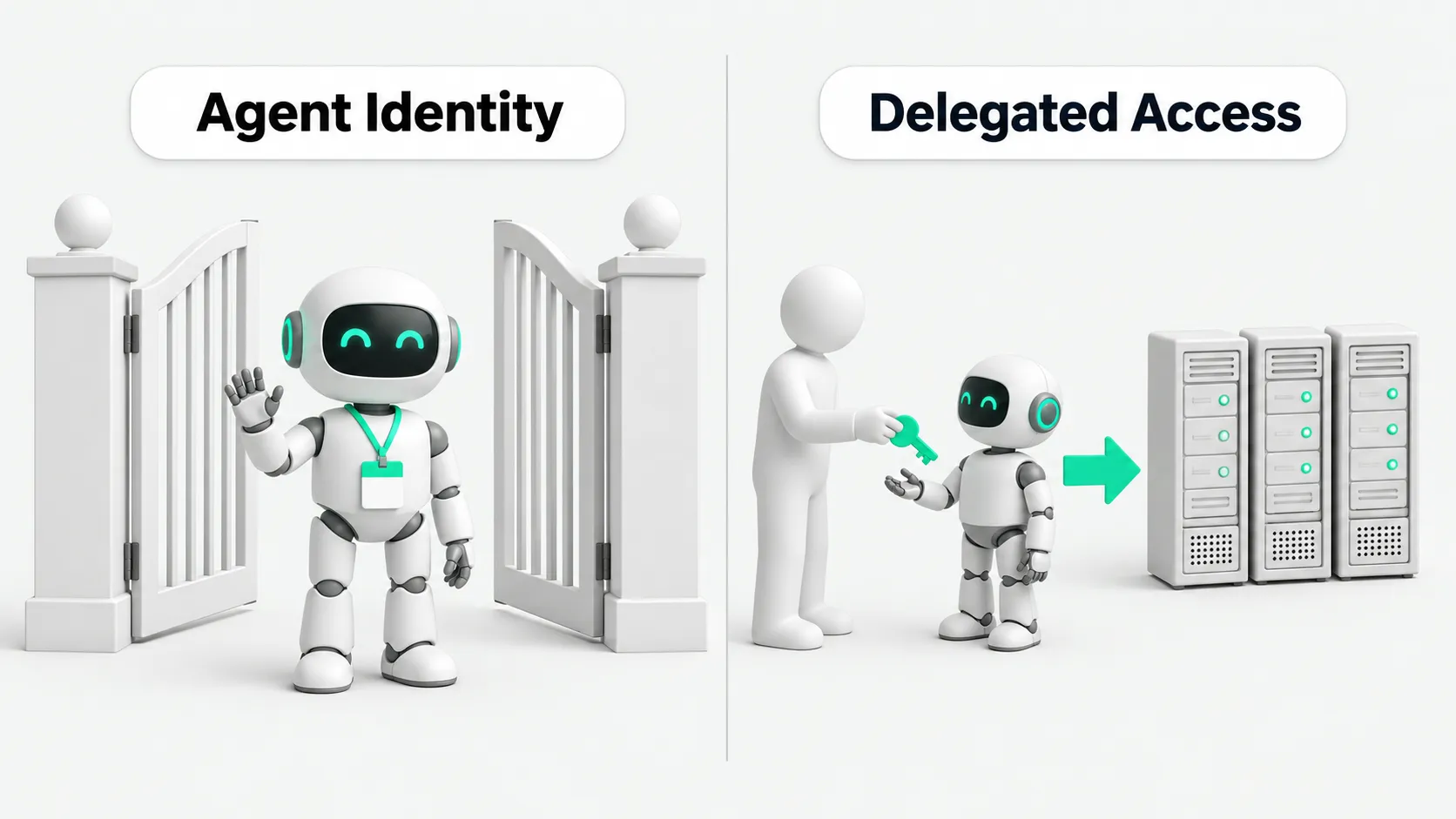
Agent authentication requires every call to carry two identities when an agent queries data or calls tools for an employee: the requesting employee and the agent executing the action. Agent identity must account for both. Its allowed actions are the intersection of the two permission sets. Each action must stay within the agent’s permitted scope and the requesting employee’s own authority. If a single shared service account with high privileges runs tasks for everyone, the agent may retrieve out-of-scope data for users who lack access. This creates a confused deputy problem, and backend audit logs do not reveal the problem.
Many teams simplify agent integration by configuring a backend service account with global permissions. Business users ask questions in the front end, and the agent uses this credential to call the underlying systems. Those systems do not know who the agent is working for. The requester indirectly inherits global permissions.
A confused deputy example: a contractor gets executive pay data
A confused deputy is a common privilege-escalation risk in automated workflows. A service with legitimate high privileges is used, deliberately or accidentally, to perform an operation on behalf of a low-privilege user who is not authorized to perform it.
On October 8, Okta described its Agent Gateway, which was already generally available. It requires every tool-call credential to identify both the requesting user and the executing agent. It exchanges credentials using delegation under RFC 8693. The agent’s allowed actions are the intersection of the gateway’s permitted scope and the user’s own permissions. In the article’s example, an HR assistant uses a service account that can read all employee records. A contractor asking for the CEO’s pay can get it too.
In this example, the contractor can only read the public attendance policy in the HR system and has no access to executive pay. The HR assistant’s backend service account has read-only access to the entire database. When the contractor asks, “Please summarize executive pay,” the database verifies that the credential is valid and lets the query through. The agent retrieves data for an unauthorized user. The audit log records only “HR assistant queried the pay table.” The actual requester is invisible.
Why prompt rules alone cannot prevent unauthorized access
Some teams try to patch this through prompts. For example, they add a line to the system instructions: “Do not share salary information with anyone outside HR.”
Natural-language prompts cannot enforce permissions. A model’s adherence to instructions varies, and manipulation or injection can easily bypass the constraints. The underlying credential already grants full access.
Databases and APIs only check the token presented to them. If the token has access to the entire database, the storage layer lets the request through. Permission controls must block unauthorized requests at the gateway. Prompts cannot provide this enforcement.
For separate controls over read and write permissions and actions, see AI Agent Permissions: Reading Email Is OK. Does Sending Need Approval?.
Another shared-credential problem: revocation disconnects everyone, so it rarely happens
In many companies, a service account created for AI tools ends up shared by agents across several teams. Some run reports, some retrieve tickets, and some clean up leads.
Okta notes that revoking a shared credential disconnects every agent, so it often goes unrevoked. If teams revoke a credential after a problem occurs, every business process using it reports errors and stops. Revocation keeps being postponed.
Four questions to answer before a tool call
Okta lists four questions to assess whether an agent gateway is reliable. Companies can ask each one when choosing a gateway or checking an existing one:
First, what credential does the MCP server receive, and who issued it? For an internal check, require credentials issued by the company’s identity provider (IdP), with digital signatures and expiry dates. Do not use static keys hard-coded in configuration.
Second, can the gateway prove which user this call is for? For an internal check, the gateway must prove which real, current employee is behind the call. A vague agent name is insufficient.
Third, whose consent authorized this agent to access that MCP server? For an internal check, the consent record must be retrievable and show which employee consented to which MCP server. Treat a missing record as no authorization.
Fourth, does the agent hold any credential it can use without going through the gateway? For an internal check, inspect the agent’s local environment for privately stored keys that connect directly to databases or APIs and could bypass the gateway.
Logs must show which agent did what for which person
A single-identity log only records “Service account A exported the users table at a certain time.” It does not show who requested the export. Security staff cannot distinguish routine analysis from an unauthorized probe.
A compliant log must record both sides: employee Zhang San used the sales assistant agent to call the customer lookup API and read the list. The employee and agent identifiers are linked.
For audit trails when connecting multiple collaborating agents or workplace bots, see Rolling Out Grok Bot at Work? Settle Access and Audit Settings First. When a problem occurs, the two identities identify the requester and the execution path directly.
For checking identity and authorization when another agent forwards an instruction, see Multi-Agent Security: Can Agents Follow Forwarded Instructions Directly?.
Agent identity security checks: which types of agents to check first for shared accounts
First, query agents connected to sensitive data. For assistants connected to payroll, finance, customer data, or core code repositories, prioritize replacing shared accounts. Connect them to the gateway and filter results by the requester’s permissions.
Second, shared agents available across departments or to contractors. Their users have widely different permissions, so a single account can easily lead to unauthorized access. Switch them to identity delegation.
Third, execution agents that can write data, change status, or move funds. Operations that modify data, send notifications, or go through approval must check the requesting employee’s permissions and fully log both identities.
Agent Authentication: FAQ
Employees have already signed in on the front end. Why do backend APIs still lose the user’s identity?
The front-end session usually exists only between the user and the gateway. When an agent calls microservices or databases, many systems do not pass along the employee’s identity. They send requests using a service account with global permissions. The employee’s identity is lost in the backend, which receives only a generic machine token.
Does intersecting permissions for two identities noticeably increase response latency?
A properly configured identity delegation setup does not noticeably slow responses. Gateways generally exchange tokens through OAuth and cache them briefly within their validity period after the first exchange. Token exchange usually takes far less time than a large language model takes to generate content. Test it before launch to confirm.
When employees delegate access to personal AI tools, how should agent identity security be managed?
To manage agent identity security, administrators must first register delegated access: which agents may call which systems on behalf of employees. Employees may delegate access only to registered agents. They must not authorize unreviewed external AI tools to use their company accounts. When an agent is disabled or an employee leaves, revoke the corresponding delegated access at the same time.