
AI Safety
Who Owns an AI Agent When the Employee Who Built It Leaves?
Agents on shared workflows belong to the process owner. When the builder leaves, swap credentials, check triggers, clear private memory; if unowned, freeze it.

If an employee builds an agent that runs a shared business process, the agent should belong to the organization and the process owner, not to the builder’s personal account. Before any staffing change, confirm five things: the process owner, the run credentials, the triggers, the process memory, and the data the agent can reach. When the builder transfers or leaves, hand over by checklist: change the system owner, replace personal credentials, check scheduled jobs and in-flight tasks, and clear private preference memory. If nobody takes it over, turn off automatic triggers first.
Low-code platforms let business staff build an automation assistant in minutes. Once it is wired into collaboration tools, ticket routing, or customer follow-ups, it is part of a shared process. If the builder leaves without a handover, the back-end configuration becomes a liability.
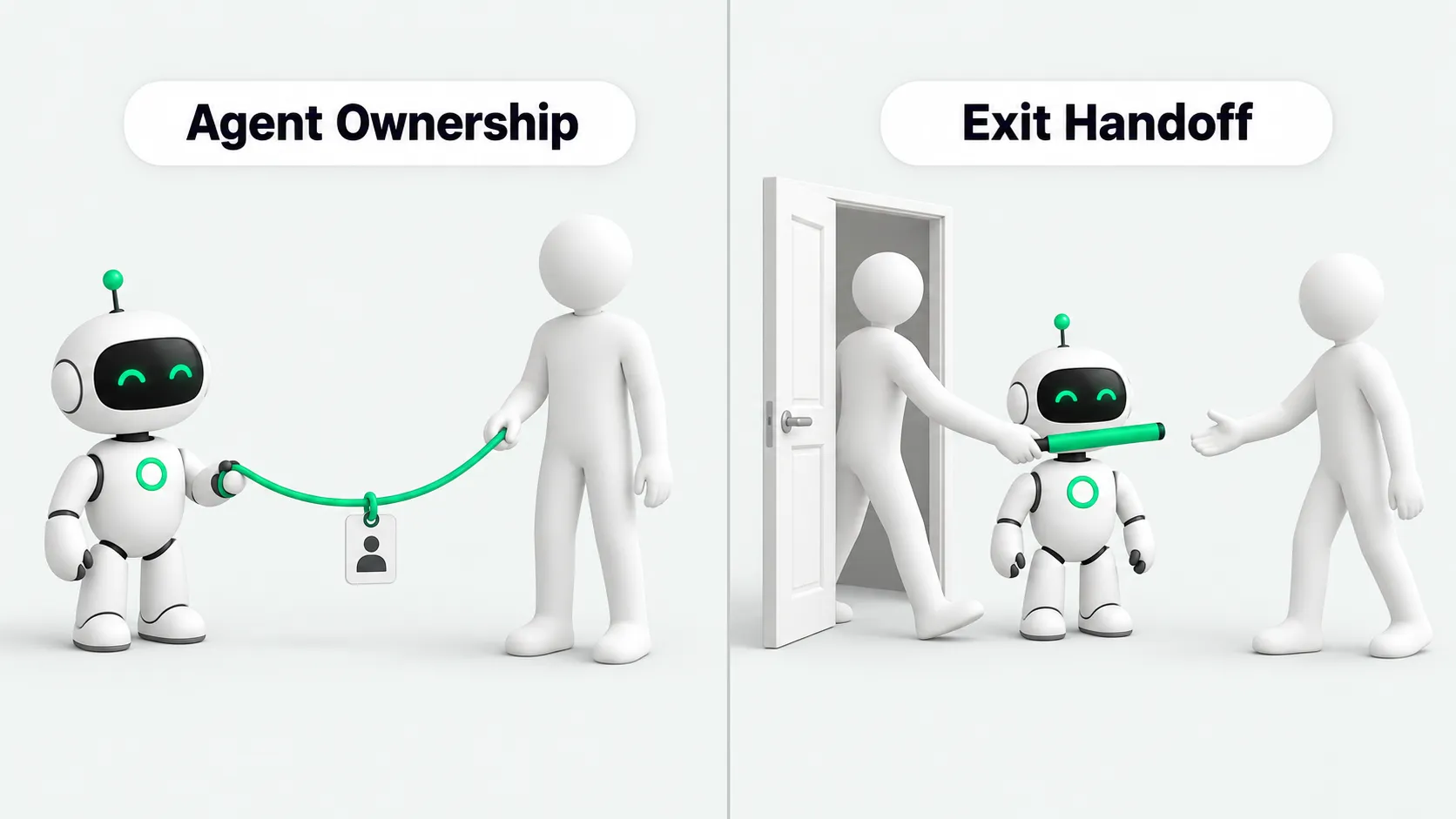
Root cause: personal credentials and ghost calls
Most problems with employee-built agents start with credentials. The agent runs on the builder’s personal access token or OAuth grant.
This binding causes two kinds of failure when people change roles. The first is a broken process. When an employee leaves, the company usually disables their single sign-on (SSO) account and revokes their access tokens the same day. Any agent bound to those credentials returns a 401 error on its next run, and daily summaries, follow-up reminders, and similar jobs stop.
The second is harder to spot. When an employee transfers, or account cleanup runs late, background jobs keep sending external messages and changing internal statuses under that person’s name. These are ghost calls in the audit trail. If something goes wrong, the system log still shows the name of someone who moved on long ago.
On October 15, 2026, Microsoft announced agent accounts on the Copilot Studio blog. With this feature, an agent works with approved credentials and scoped permissions instead of an individual user’s credentials. Microsoft says these agents belong to the organization and do not end with a person’s role or tenure. Admins can limit what they access and manage their lifecycle. Microsoft also introduced business process memory, which lets an agent keep business context across turns. Both features are rolling out through Microsoft’s Frontier program.
Record the owner and credentials at build time
When someone builds and publishes a shared agent, record the process owner and who owns the run credentials at that moment. The process owner is responsible for business rules and for handling exceptions. The credential record states whether the agent calls other systems with a personal token or a service account. For how to split production responsibilities, see Your AI Agent Pilot Works. What Does It Need Before Production?. This note covers the handover details when people change roles.
Transfers and departures need different handling
When an employee moves to another department, their system permissions change with the new role. If they keep admin rights over the old department’s agent, they can act across departments without authorization. If their permissions shrink instead, the agent starts failing. For transfers, the process stays with the department: before the employee moves, hand control of the old agent to a successor and remove the original builder’s access.
A departure removes the identity entirely. Revoke the personal credentials, check for local scheduled scripts, and hand shared business tasks to the business manager.
If nobody can take it over yet, follow three steps:
Step 1: turn off scheduled triggers and webhooks. Keep the prompts, workflow structure, and run history.
Step 2: notify the builder’s department or team channel and set a deadline to name a new owner.
Step 3: if nobody claims it by the deadline and no downstream team reports an impact, archive the agent and revoke its access credentials.
Moving from a personal token to a service account
Do not ask the departing employee for their password or a long-lived token to keep the agent running.
Step 1: an IT admin or cloud platform owner creates a dedicated service account or managed identity.
Step 2: apply least privilege. Grant the service account only the API permissions and read/write scope the task needs. For auditing permissions on third-party tool integrations, see Rolling Out Grok Bot at Work? Settle Access and Audit Settings First.
Step 3: on the agent platform, switch authentication from personal OAuth to the service account. Once a test run passes, revoke the employee’s personal authorization.
Hand over process memory and instructions; clear private preferences
Keep shared assets: business glossaries, past ticket handling records, standard reply templates, and common exception rules. These show the new owner why the agent makes the decisions it does.
Clear private settings: personal preference prompts (for example, imitating one person’s writing voice), paths to personal cloud drives, rules tied to a personal drafts folder, and leftover test data. The new owner reads the full system prompt and checks in testing that the output matches expectations.
Four checks on the successor’s first day
First, run the agent once in a test environment with the new service account. Confirm that every tool call and every data read and write works.
Second, review the most recent runs and open tasks. Look for pending retries and unhandled errors.
Third, trace the process to see which teams or systems actually use the agent’s output. Tell those team leads that the owner has changed.
Fourth, write the time of the ownership change, the handover parties, and the new credential record into the system configuration log so there is an audit trail.
Add agent handover to the HR offboarding checklist
When HR processes an exit, check employee-built AI assets along with the laptop and accounts. An admin or department manager exports the list of agents under the employee’s name. Personal-use agents are disabled. For agents that run a department process, the offboarding is closed only after the successor signs off and the credential switch is done.
For a company-wide inventory of employee-built agents, see Agent Management Starts With an Inventory: Who Runs Employee-Built Agents?.
Agent ownership: FAQ
Does every personal assistant an employee uses need a formal handover?
No. An assistant used only for drafting emails, polishing weekly reports, or looking things up does not touch shared team processes and does not write to any system. When the employee leaves, it goes away with the personal account, or the employee deletes it.
What can an admin do if a departing employee won’t hand over an agent they built?
Enterprise platforms have admin rights. If the employee does not cooperate, the admin reassigns the workflow owner to the department manager in the admin console, resets the connections, revokes the personal tokens, switches to a service account, and reviews the prompts. That is enough to take the agent back.
How can HR add agents to the offboarding checklist?
HR can add an “automation assets” item to the offboarding system. When an employee files a resignation, the system pulls the list of agents under their name. For agents that run a team process, a successor is named and the business manager signs the offboarding form before the exit is approved.