
AI Coding
How to Deploy a Website to Cloudflare Pages for Free in Four Steps
Connect a GitHub repo, set the build command, and add a custom domain to deploy a static site to Cloudflare Pages for free, with global CDN and free HTTPS.

Once AI has written your website code, the next step is to publish it. This used to mean renting a server, installing Nginx, and requesting an SSL certificate. With Cloudflare Pages it takes a few clicks, and it is free for individuals and small teams. If you have built a static site with Astro, Next.js, Vite, or any other framework and pushed it to GitHub, the process below gets it live in about ten minutes, with a global CDN and free HTTPS included.
Why Cloudflare Pages
Cloudflare Pages bundles static hosting, a global CDN, free SSL certificates, and continuous deployment into one service. You push code to GitHub, and it builds and publishes automatically. Cloudflare’s edge network around the world serves the pages. Pages Functions add a lightweight serverless backend, for example to receive a contact form or call a third-party API, so you do not maintain a server. The free tier covers most company sites, blogs, and portfolios.
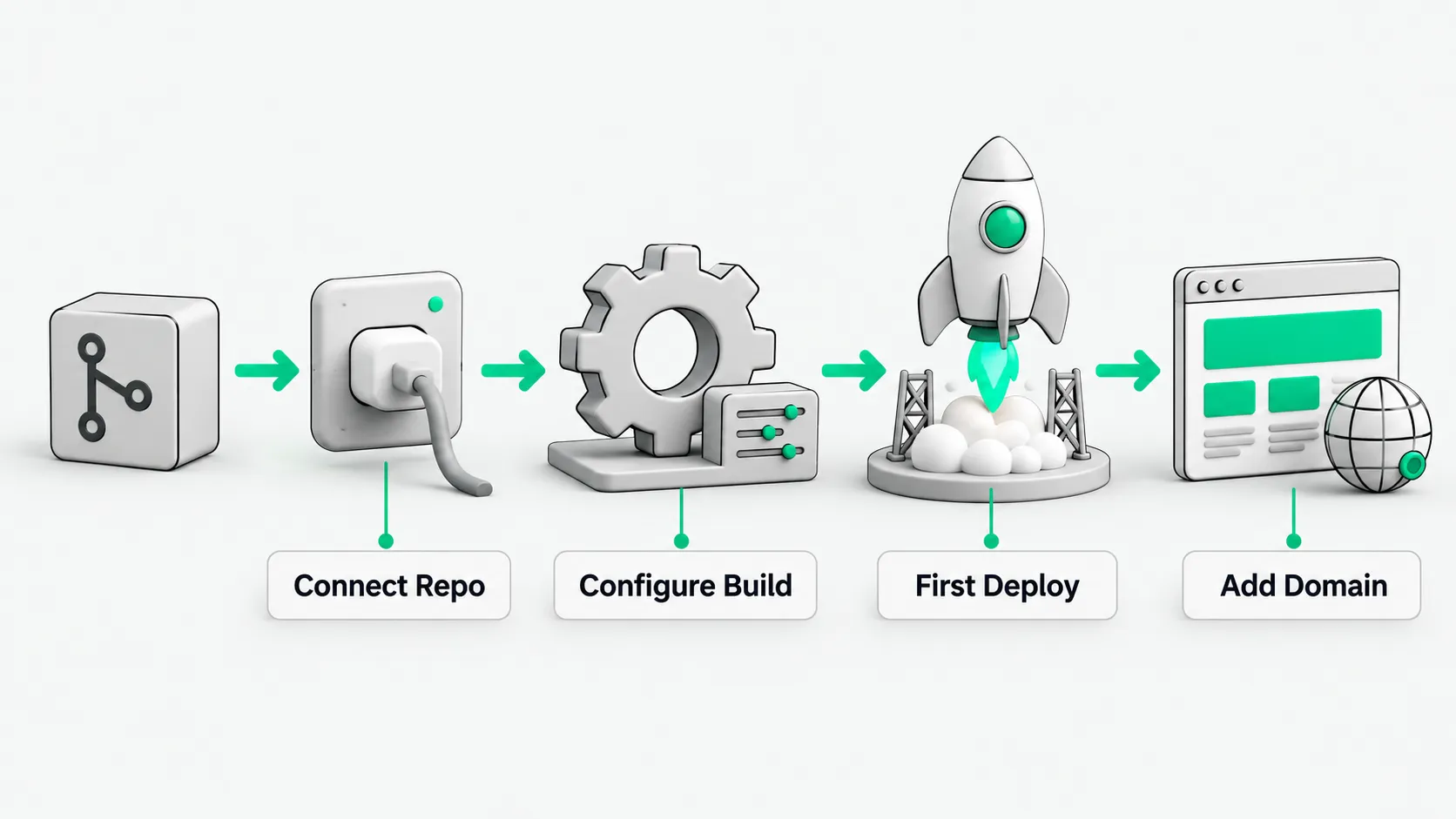
Deploy the site in four steps
- Connect the repository: Sign in to the Cloudflare dashboard, open Workers & Pages, select Create application > Pages > Connect to Git, authorize GitHub, and select your repository.
- Configure the build: Pick a framework preset (such as Astro). Enter the build command (usually
npm run buildorpnpm build) and the output directory (usuallydist). If the project lives in a subdirectory of the repo, set Root directory to that subdirectory. - Run the first deployment: Click Save and Deploy. Cloudflare pulls the code, installs dependencies, and runs the build. Within tens of seconds the site is live on a free
pages.devsubdomain. - Add a custom domain: Add your domain under the project’s Custom domains. Cloudflare creates the DNS records and issues a free HTTPS certificate. From then on, every push to the main branch triggers a new deployment. This is continuous deployment.
Two more things you get
First, serverless functions. Add a functions directory to the project and write a handler. It can receive form submissions or proxy external APIs without a server, so a small backend does not require renting a machine. For example, put the file below at functions/api/hello.ts. After deployment the site has a /api/hello endpoint, with no server for you to maintain:
// functions/api/hello.ts — a Cloudflare Pages Function; the file path is the API route
export const onRequestGet: PagesFunction = async (context) => {
  const name = new URL(context.request.url).searchParams.get('name') ?? 'world';
  return Response.json({ hello: name });
};
Second, continuous deployment is on by default. You write content and code and push. The platform handles the build and the release.
With deployment reduced to a push, the team spends its time on content, product, and user experience. At Baize AI, we set up infrastructure so that it needs no attention after the first deployment.