
Case Studies
Works Locally, Fails in Production? The Last Mile of Deployment
AI writes a site faster, but getting it live and stable still takes engineering discipline. A review of one real Cloudflare Pages launch and how we debugged it.

A site passes every local check, the build succeeds, and the production deploy throws errors. Most teams hit this at launch. AI has made writing features much faster. Between “it builds” and “it works in production” there is still a layer of configuration. That layer is not in the code, and tests do not cover it.
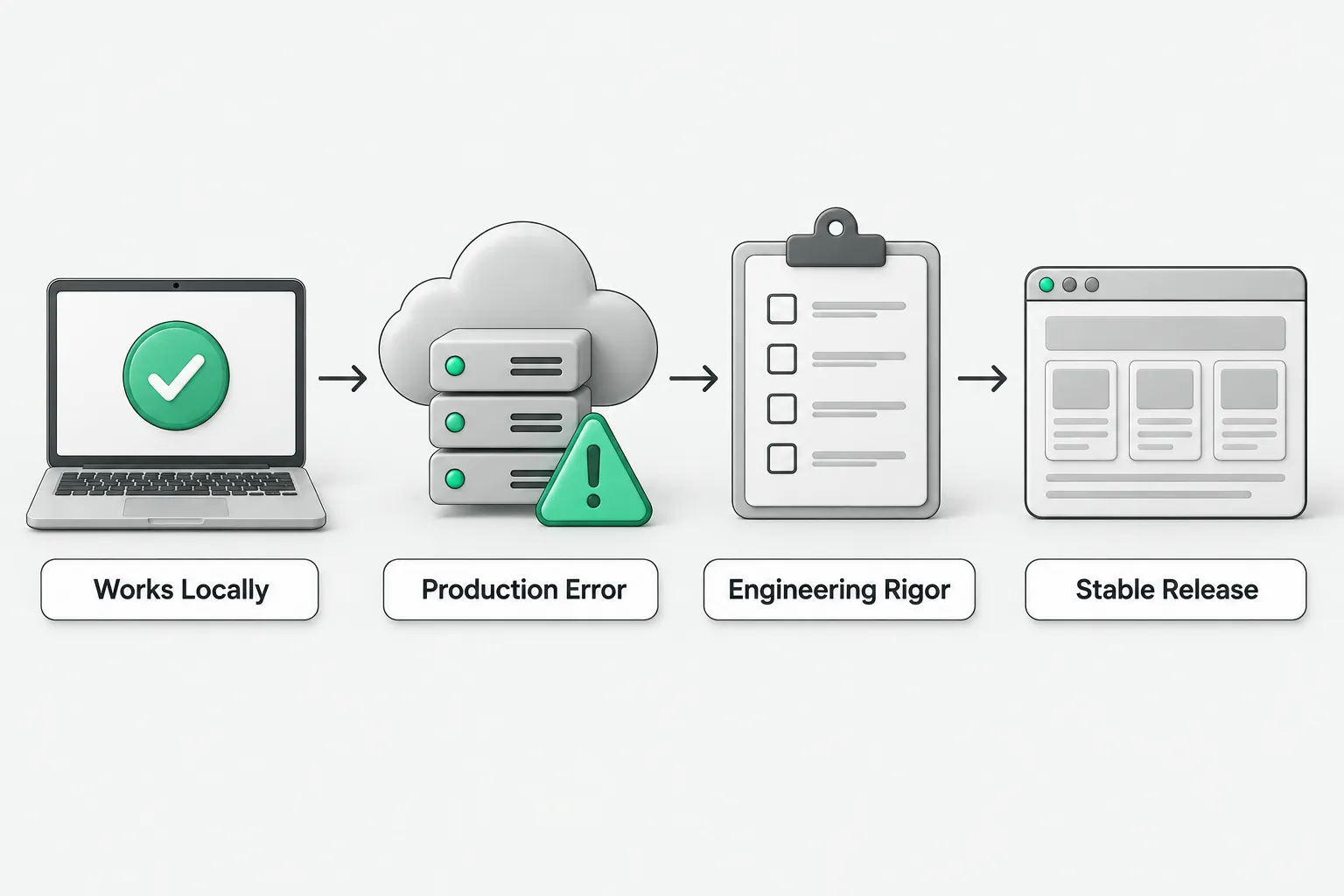
In mid-2026 we deployed a static site to Cloudflare Pages and hit several problems in this layer. The first was scope. The platform keeps two separate sets of environment variables, Preview and Production. Put a variable in the wrong set and production cannot read it. The second was harder to spot: a conflict over the source of truth for configuration. When the repository contains a platform config file, the platform treats that file as the only source of configuration. Every variable you set in the dashboard is ignored. The error only says the variable is empty. It does not say the file overrode the dashboard.
The third was the form of the variable. The same variable can behave differently at runtime depending on whether it is stored as an encrypted secret or as plaintext. Build-time variables must be readable at the moment the build runs. Runtime variables are read on each request. None of these differences is documented prominently. Most teams learn them after one failure.
The debugging method matters more than the individual problems. The form returned a generic “submission failed” message, with details deliberately hidden. Guessing is the slowest way to handle that. We collected evidence one layer at a time:
- Call the API directly, bypassing the frontend, to get the real status code.
- Read the server logs to find the actual error the frontend hid.
- Use a known-good credential locally to call the same external service directly, as a control.
These three steps separate “the configuration did not reach the code” from “the credential or the resource itself is wrong.” Each change in the error message narrows the search.
The takeaway: a model can write the feature, but keeping it running in a real environment depends on treating configuration, deployment, and debugging as engineering work. In AI adoption this is the last mile, and the one teams skip most often. Build it into the delivery plan. A product counts as delivered once it runs stably in production.