
AI Basics
GEO for B2B Export Websites: How to Attribute AI-Sourced Inquiries
Track AI inquiries on a B2B export site in three places: a GA4 AI channel (the floor), hidden form fields, and self-reported source. Tag WhatsApp and email too.

A B2B exporter runs GEO (generative engine optimization) on its own website for a few months. Here, “own website” means the company’s standalone site, separate from marketplace listings such as Alibaba.com. Then the owner asks: how many inquiries did AI bring in? GA4 cannot answer that in full. A brand mention in an AI answer does not make the resulting inquiry attributable. The AI channel in GA4 is a floor. The form and the CRM have to record the source. Record it in three places: GA4 for visits that carry a source; hidden form fields that submit the source and landing page with the inquiry; and a “How did you find us?” field where the buyer picks the answer. Tag WhatsApp and email inquiries separately. Reconcile the numbers once a week.
First, why GA4 is only a floor.
-
Source signals get lost. By default the browser passes only the referring domain, such as chatgpt.com. The conversation itself is not passed. When a buyer taps a link inside an app, copies the URL into another browser, or forwards it to a colleague who opens it later, often even the domain is gone. GA4 records visits with no source and no medium as Direct.
-
Visits with half a signal land in Unassigned. OpenAI says ChatGPT automatically adds utm_source=chatgpt.com to referral links. GA4 sees the source on these visits, but the medium is often empty, so no default rule matches. In a 30-day sample from April 2026 by the analytics tool Clickport, 935 of 2,619 identified AI search sessions (35.7%) carried only the source tag and no referrer. Clickport also notes that visits with neither signal never enter the sample at all.
-
B2B inquiries often do not close on the website. A buyer reads the page, then sends a WhatsApp message or an email. GA4 never sees that inquiry.
To answer “how many inquiries came from AI,” read several data sources together. For how to measure GEO itself, see Which GEO Metrics Should You Track?. This note covers only where to record inquiries.
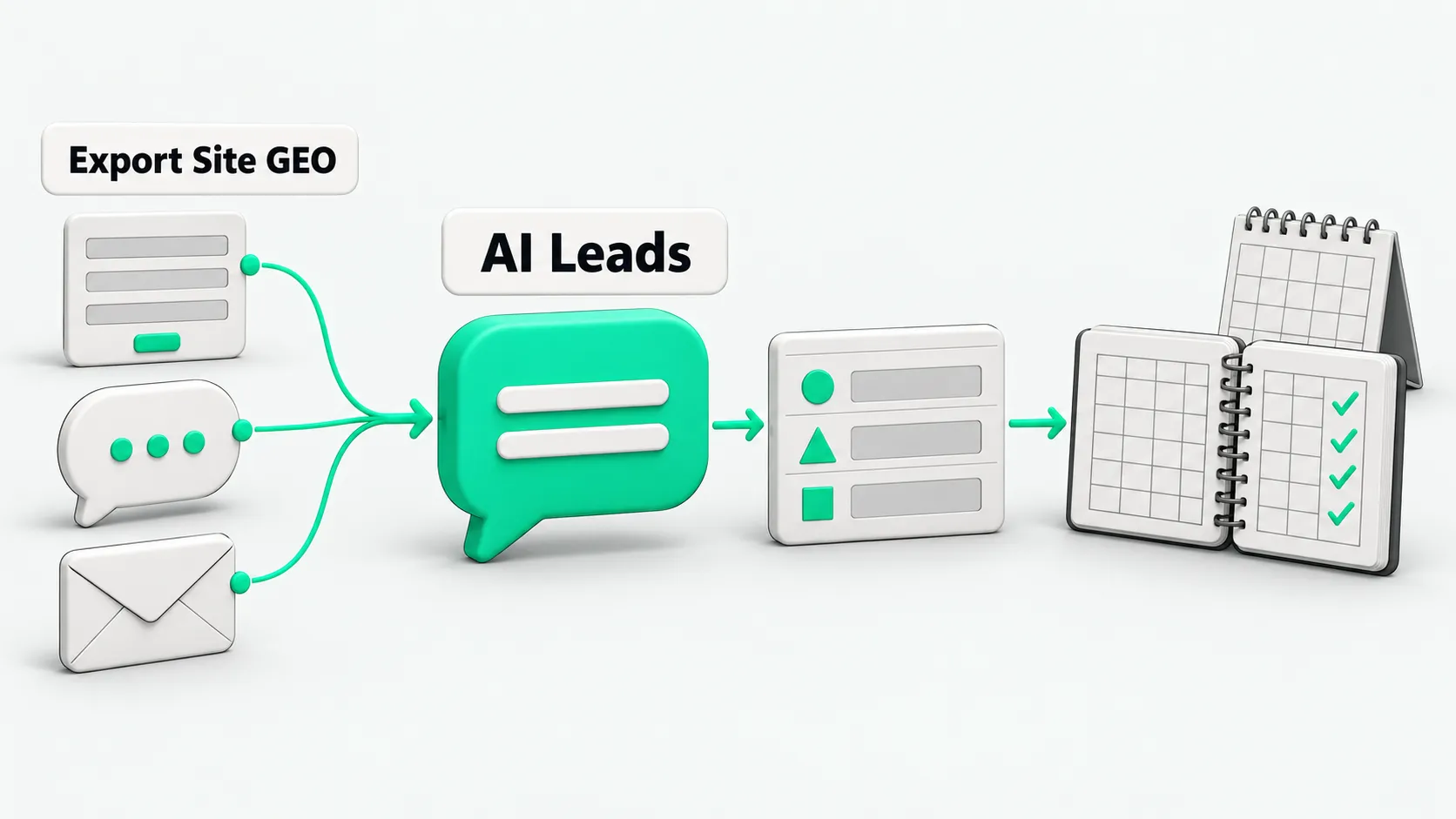
Where to record it: a field table
| Location | What to record | How to set it up | Common misreading |
|---|---|---|---|
| GA4 | AI channel sessions, form submission events | Custom channel group with the AI channel above Referral | Counts only visits that carry a source, so it is a floor |
| Hidden form fields | utm_source / medium / campaign, referrer, landing page | Store in a first-party cookie on the first visit; write into hidden fields on submit | Storing only the referrer at submit time; internal navigation overwrites it |
| Self-reported form field | “How did you find us?” | Dropdown with AI options plus “Other (please specify)” | The buyer reports where they first saw you, which can differ from the path of this visit |
| CRM | Original source, latest source, self-reported source, landing page, inquiry channel | Write the original source once and never overwrite it | Treating the latest source as the first source |
| Which page the buyer came from | Prefilled text in the wa.me link, with a page code | Nothing is recorded if the buyer deletes the prefilled text | |
| Which page the email came from | Prefilled subject in the mailto link, or a different inbox address per page | The tag is lost if the buyer starts a new email |
For the CRM, HubSpot’s setup is a usable reference. It splits contact source into “original” and “latest” properties. Contacts from AI are recorded as AI Referrals, and the next level records the platform, such as chatgpt.com. HubSpot identifies them when the referrer is an AI domain it recognizes, or when the UTM parameters contain one of those domains. In another CRM, build fields with the same structure.
For how to record lead source after AI sorts WhatsApp inquiries, see How to Record Lead Source When AI Sorts WhatsApp and Email Inquiries.
How to set it up: six steps
- Build a custom channel group in GA4. Copy the default channel group and add an “AI Assistants” channel. Set the condition to “source matches regex” and list sources such as chatgpt, perplexity, gemini, copilot, claude, and deepseek. Move the channel above Referral. GA4 assigns each visit to the first channel that matches, in order. Visits with source chatgpt.com and an empty medium are also caught by this rule and stop landing in Unassigned. Custom channel groups apply retroactively to past data. A standard property can have at most 2.
- Mark form submission as a key event. Then GA4 shows form submissions by channel. That number is a floor for website forms and excludes WhatsApp and email.
- Add hidden fields to the form. On the visitor’s first landing, a script stores the UTM parameters from the URL, document.referrer, and the landing page URL in a first-party cookie. On submit, these values go into hidden fields and reach the CRM with the name and email. The landing page matters most: the referrer carries only a domain, while the landing page shows which piece of content the buyer read.
- Add “How did you find us?” List these options: Google search, ChatGPT, Perplexity, Gemini, Copilot, Other AI assistant, LinkedIn, Trade show, Colleague / referral, B2B platform, Other (please specify). Make it optional and place it after the message box. To separate first exposure from this visit’s path, add a second question: “How did you get to this page today?” HockeyStack’s self-reported attribution report recommends this follow-up.
- Tag WhatsApp and email. On every page, the WhatsApp button uses a wa.me link that prefills a sentence with a page code, such as “Hi, I’m asking about CNC parts (ref: B12)”. The email button prefills a subject in the mailto link. When a sales rep receives the inquiry, they use the code to enter the landing page and source in the CRM. If the buyer says they saw you on ChatGPT, record that as the self-reported source too.
- Fix the CRM rules. Write the original source once. Keep self-reported source and tracked source in two separate columns; do not merge them. Record inquiries with no source signal as “Unknown.” Do not guess AI.
How to use it: weekly reconciliation table and agent guardrails
Fill this in every Monday:
| Week | Total inquiries | Form submissions in GA4 AI channel | AI source in hidden fields | Self-reported AI | Both | Self-reported AI only | AI in WhatsApp / email | AI among qualified inquiries |
|---|---|---|---|---|---|---|---|---|
| Week 1 |
How to read it: AI inquiries recorded by hidden fields are the tracked floor. The “Self-reported AI only” column is the share that tracking missed and buyers reported themselves. If that column stays large, check first whether the cookie and hidden fields are working. Count qualified inquiries separately. More inquiries from AI does not mean more orders.
Check these before publishing the weekly numbers:
- Is the GA4 AI channel still above Referral?
- How many form inquiries this week have empty hidden fields?
- Have all WhatsApp and email inquiries had their source filled in?
- Are self-reported source and tracked source in two separate columns?
Agent guardrails (paste into an inquiry weekly-report agent)
When producing the weekly inquiry source report:
1. Report tracked source (GA4, hidden fields) and self-reported source separately. Never add them together.
2. Label the GA4 AI channel number "visits with a source only; this is a floor."
3. For every inquiry, record: inquiry channel, original source, landing page, self-reported source, qualified or not.
4. Record inquiries with no source signal as "Unknown." Never infer AI.
5. List WhatsApp and email inquiries without a page code separately and hand the list to sales reps to fill in.
6. If channel group rules, form fields, or options changed, state it at the top of the report and do not compare directly with earlier weeks.
7. Use only this week's actual records. Do not estimate or cite industry averages.
GEO inquiry attribution for B2B export websites: FAQ
Can I do this with a spreadsheet and no CRM?
Yes. After a form submission, send the hidden fields to an inbox or spreadsheet along with the inquiry. One inquiry per row, with the same columns as the field table above. Sales reps add rows for WhatsApp and email inquiries by hand. At low volume a spreadsheet such as Excel is enough. Once the original source column is filled in, do not change it.
Is self-reported source reliable?
It is usable when read alongside tracking data. Buyers can misremember or pick the first option. That is why the field is optional and has “Other (please specify).” It captures paths tracking cannot see, such as a buyer who saw you in ChatGPT and typed your URL directly the next day.
What counts as an AI inquiry, and how do I record it?
Record an inquiry as AI if any one of these holds: GA4 or the hidden fields recorded an AI source (the referrer or UTM contains a domain such as chatgpt.com or perplexity.ai); the buyer picked an AI option in “How did you find us?”; or the buyer said in WhatsApp or email that an AI recommended you. Record which of these applied, and keep tracked and self-reported in separate places. If both apply, count it as one inquiry and check both columns.
Sources
- Google Analytics Help, “Default channel group” (definitions of AI Assistant, Direct, Unassigned)
- Google Analytics Help, “Custom channel groups”
- OpenAI Help Center, “Publishers and Developers - FAQ” (utm_source=chatgpt.com)
- MDN, “Referrer-Policy”
- Clickport, “Why ChatGPT Traffic Shows as Direct in GA4 (2026)” (updated 2026-09-18)
- HubSpot Knowledge Base, “Understand Original and Latest traffic source properties”
- HubSpot Knowledge Base, “Understand HubSpot’s traffic sources in the web traffic analysis tool”
- WhatsApp Help Center, “How to use click to chat”
- HockeyStack, “HockeyStack’s Self-Reported Attribution Report – 2024”