
Enterprise AI
Brand Monitoring on X with Grok Bot: What the Daily Digest Should Say and When to Escalate
Hand X brand monitoring to a Bot. Each digest item gets a link, why it matters, and whether a person must decide. Write escalation rules before it starts.
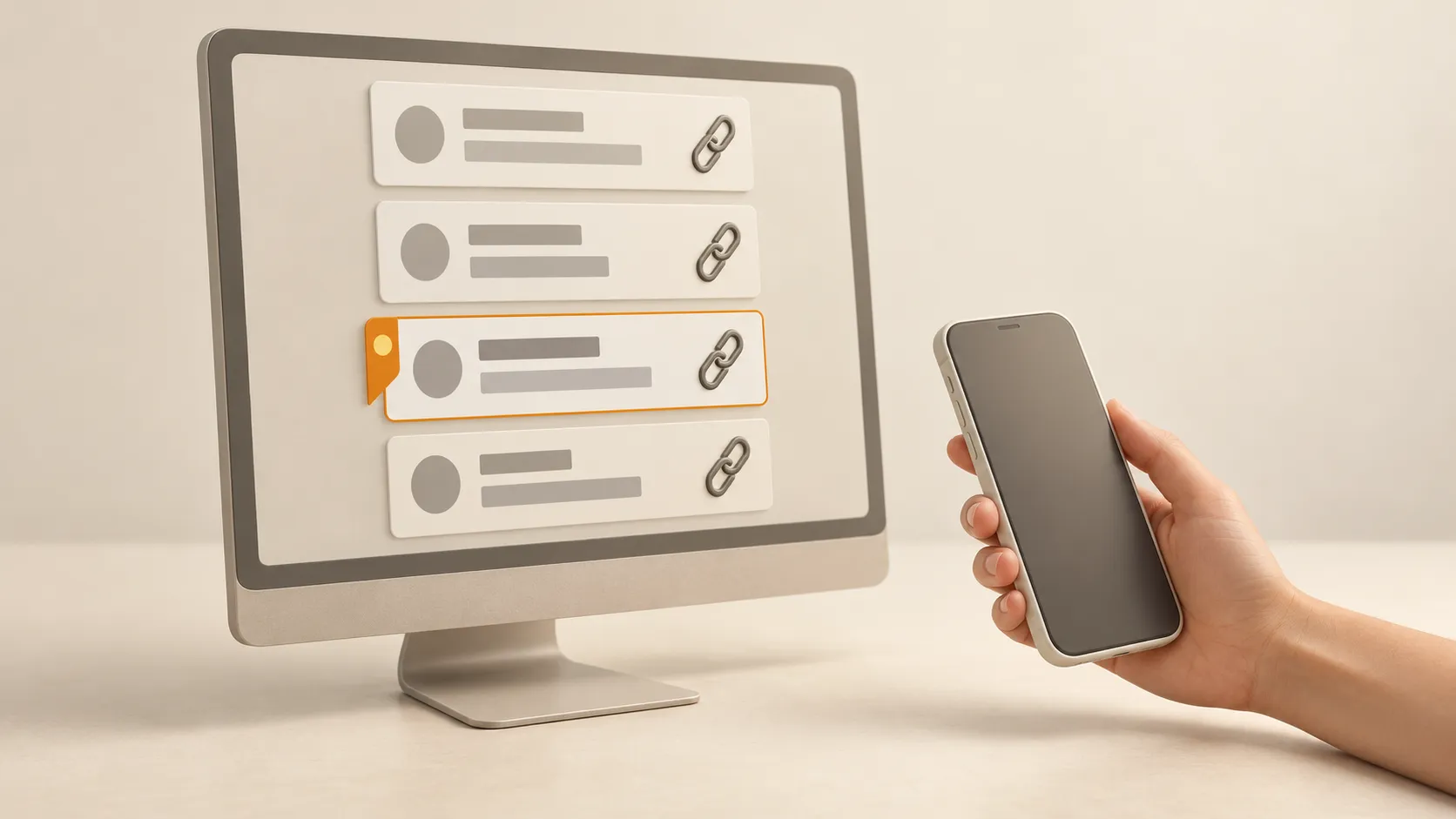
If a Bot handles your brand monitoring, the daily digest can be short. Each item needs three things: the link to the original post, why it matters, and whether a person needs to decide. If nothing new came in, the digest is one line: “Nothing to act on today.” Write the escalation conditions into the Bot’s instructions before it starts. Do not leave the Bot to decide them each day.
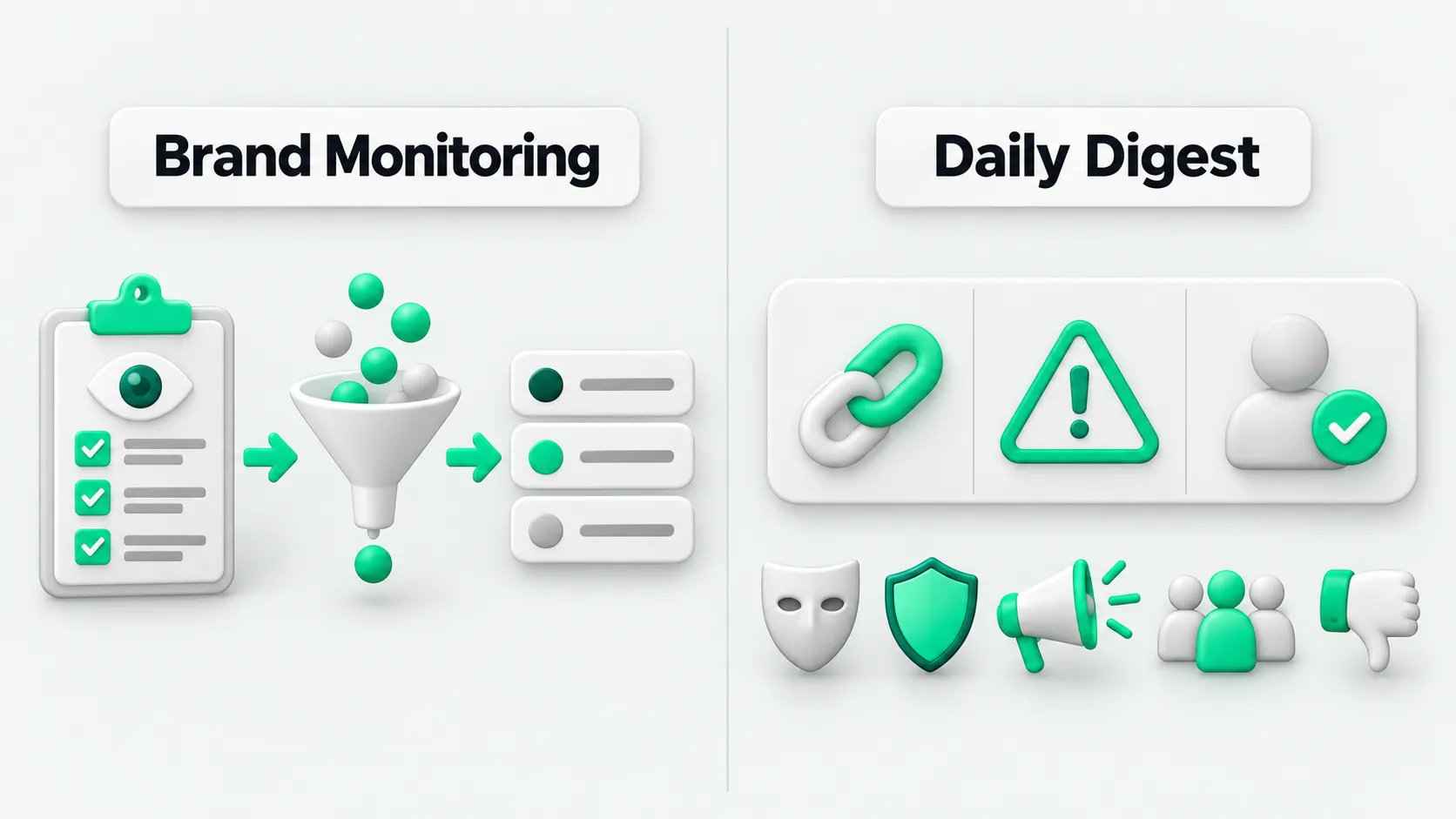
Why a Bot can take this on now
The Grok Bot changelog entry for October 11, 2026 says a Bot can search X and read posts and profiles without connecting your X account. (Source: Grok Bot changelog) Give it a list of keywords and accounts and it can start the same day.
A template for this already exists. On September 5, Superpower Daily covered X Brief. You give it accounts, topics, or search terms. It groups posts made since the last run by topic, and each item carries a link to the original post. When there is little to report, it writes one line. Links it has already reported are kept in a separate file, so they are not reported again. By default it only drafts: it does not post, reply, like, or send direct messages. (Source: Superpower Daily)
What goes in the digest
- Watch list. Brand names, product names, common misspellings, founders and official accounts, main competitors. Keep the list in a file, so changing the list does not require changing the Bot.
- Format for each item. The Chief of Staff digest in the official use cases asks for the source, why it matters, a suggested next step, and whether you need to decide. (Source: Grok Bot use cases)
- Deduplication. Record every link already reported. If a post from yesterday gets more reposts today, report it as an update to an old post, not as a new item.
- Say so when a search fails. The official docs recommend telling a scheduled task what to do when data is missing or stale. If the Bot cannot find results, it reports that. It does not reuse yesterday’s results. (Source: Skills and Routines docs)
- Tune it weekly. Mark which items were useful and which were not. Update next week’s list and severity levels to match.
When to bring in a person
Write the escalation conditions into the Bot’s instructions, as specifically as you can. Five common categories are below. Set the exact thresholds for your own brand.
- Someone impersonates an official account, or fake support accounts or fake promotions appear.
- A complaint involves safety, privacy, refunds, or compliance.
- A media outlet, a large industry account, or a partner names you.
- Several people raise the same issue within a short period.
- A post from an official account suddenly draws many negative replies.
When it escalates, have the Bot include the link to the original post and the key points, and draft a response. A person decides whether to respond and how. Decide what the Bot can read and whether it can post when you set it up. See Rolling Out Grok Bot at Work? Settle Access and Audit Settings First.
The digest is not an alarm
Scheduled tasks wait in a queue. In a Cursor forum thread in early September, staff replied to a user whose tasks had waited 10 to 37 minutes in the queue before starting. After a change to queuing on September 16, staff said tasks could still start a few minutes late at the busiest times. (Source: Cursor forum)
For a daily digest, a few minutes late does not matter. On a launch day, an event day, or when an incident is already underway, do not wait for the digest. Assign a person to watch, or switch the check to hourly during working hours.
To hand monitoring to a Bot as a long-term role, and to define that role and its Skills, see What Is Grok Bot? An AI Agent Guide to Persistent Teammates.
Brand monitoring: FAQ
Do I need to connect my X account to have a Bot monitor my brand?
Not for public content. Per the October 11 changelog, a Bot can search posts and read profiles without an X account connected. You only need to connect an account to see content inside it, such as direct messages.
Can the Bot reply to negative posts for me?
We do not recommend it. Have it draft, and have a person review before posting. Templates like X Brief also only draft by default. They do not post or reply.
How long should the daily digest be?
It should fit on one screen. Each item gets at most three sentences: what happened, why it matters, and whether you need to decide. If nothing is new, one line. Schedule it for a time you will read it after you start work, such as weekday mornings.