
AI Safety
Which CRM Outbound Agent Emails Need Human Approval Before Sending?
First touches, pricing, key accounts, and unclear context go to a human. Routine follow-ups send by rule, with checks on frequency, opt-outs, and approval logs.

A CRM outbound agent should route these emails to a human before sending: first-touch emails, anything about price or commitments, and emails to key accounts or open deals. It should also pause when the industry or region is regulated, when data is missing, or when the draft pulls context from another rep’s accounts. Routine follow-ups with a defined scope can send automatically once rule checks pass.
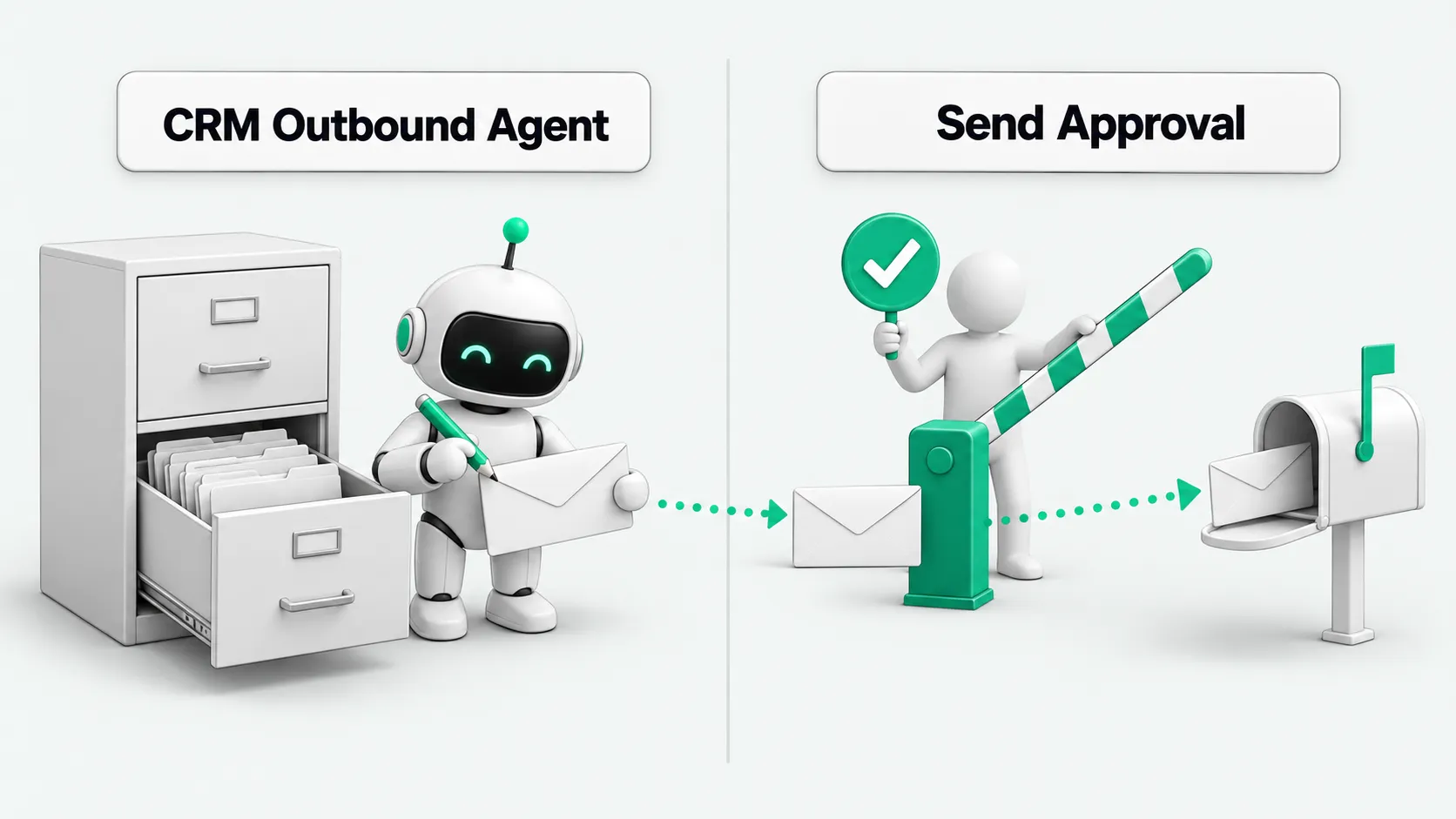
Human approval sits before the send. Once the email is in the customer’s inbox, a rep’s sign-off can only deal with the aftermath. Design the workflow with research, drafting, approval, and sending as separate steps. The send tool runs only after it finds a valid approval or confirms the email meets the auto-send rules.
First touch: check who you are contacting and why
The rep who owns the account approves the first email. The review covers four points: the contact matches the account, the address is still active, the reason for reaching out is backed by data, and nobody has contacted this person already. A name and a company name are not enough to decide whether the email should go out now.
When the agent writes a personalized opener, it must hand over its sources with the draft. The reviewer should be able to see where the contact’s title, past conversations, and requirement notes came from, and whether each is out of date. Delete any sentence without a source. Send conflicting data to a human. Do not let the agent turn a guess into a line like “I understand your company is currently sourcing.”
Approval of a first touch covers that one outreach. Switching to a new contact, moving to a new requirement, or restarting a stalled conversation each needs a new decision. Write down in the rules what counts as a new outreach, so the agent cannot classify every later email as a routine follow-up.
When the same leads are worked by phone, see AI Outbound Calling vs. Human Telesales: Which Steps of a Lead List Go to Each? for which steps go to AI and which stay with human reps.
Price, discounts, and commitments: the reviewer also needs authority to approve
If an email mentions a quote, discount, delivery date, scope of service, or promised result, it stays a draft. The reviewer sees the source and the wording in the email side by side, and confirms that the email cites the version that applies and keeps its conditions. A discount the customer got before does not carry over to this deal by default.
Route this content to someone with the matching authority. The rep who owns the contact can confirm the customer’s needs. A discount beyond that rep’s limit still goes to an authorized approver. The system checks the approver’s role, so not everyone who can open the page can release the email.
The review also covers attachments and quoted content outside the body. The body may say nothing about price while an attached old proposal sends outdated terms. After the reviewer edits the email, save the approved version. If the agent generates a new version, it goes through approval again.
For brand review when outbound material moves to AI-generated video ads, see AI Video Ads: Producing More vs. Passing Brand Review.
Key accounts and open deals: hand off to the current owner first
When a CRM outbound agent picks up a key account or an open deal, it sends the draft to the current owner first. The customer may have raised new terms on a call, or the rep may have already set the next step. An older note in the CRM does not replace those decisions.
The approval page shows account ownership, deal stage, and recent activity. If ownership is missing or shared, decide who handles it first. Copying several people on the email does not count as coordination. When ownership changes, reassign pending emails and check whether the previous owner’s approval still applies.
If routine reminders are to send automatically, the owner defines the eligible scenarios and templates in advance. When the customer replies, enters negotiation, or raises an objection, the account exits automated follow-up. A queued task cannot ignore what happened in the conversation after it was queued.
Unclear industry, region, or context: pause when data is incomplete
For regulated industries and regions, the company’s compliance lead first defines the conditions for contact, the content allowed, and the records to keep. The agent checks against the configured rules. If it cannot identify the customer’s region or confirm the contact conditions, the email goes to a human. One click of approval does not replace these prerequisites.
Missing context gets its own stop. Examples: two companies with the same name that the agent cannot tell apart, recent records that conflict, or a draft that uses data from an account owned by another rep. The reviewer needs to know what is missing or where the conflict is, so they can add data, delete sentences, or drop the send.
Do not rely only on the agent’s self-reported confidence. The system also checks whether data is missing, stale, or pulled across accounts or owners. Before using data from another rep’s account, confirm access rights and permitted use. Being able to find content in search does not make it usable in a customer email.
The approval page: everything about this email on one screen
Salesforce states on its website that its outbound sales agent, Hunter, can be set to require a rep’s approval before customer-facing actions such as sending outreach emails or proposals, and that each action is logged.
A company’s own review page can also be built around one specific send. Put the draft, recipients, and account details together, and let the reviewer open attachments directly. State the reason the email was held: first touch, pricing, or conflicting context. Show the source and date of every piece of data used, so the reviewer can trace each sentence to its source.
Keep approve, return for edits, and cancel send as separate actions. Record who viewed which version and when, what they decided, and the final send result. Keep the reason when an email is returned, so you can tell data errors, rules that did not fit, and wording problems apart.
If nobody acts, the email keeps waiting. It never sends on timeout. If it waits too long, recheck the account status before sending. For splitting permissions, see AI Agent Permissions: Reading Email Is OK. Does Sending Need Approval?, and configure drafting and sending separately.
Routine follow-ups can auto-send, with frequency and opt-out checks
Approved routine reminders can run automatically once you limit the account scope, template, trigger, and send window. Any new quote, new commitment, or change in account status sends the email back to a human. Run the rule checks at the moment of sending, so they cover changes made while the email sat in the queue.
Count frequency per contact, including pending emails from other reps and other tasks. The company sets intervals and caps based on its business and the rules that apply to it. Each agent should not keep its own count. When a customer replies, declines contact, or unsubscribes, cancel pending follow-ups and check again at the send step.
An API timeout is not a reason to resend. First check whether the email service accepted the message. If the result cannot be confirmed, hand it to a human, so the same email does not arrive twice. Logs should separate pending, submitted, and failed. Calling the tool does not mean the customer received the email.
Before launch, test with simulated customers: a first touch, a discount, an ownership conflict, and an unsubscribe with emails still in the queue. Check which emails were held, who they went to, and whether sending actually stopped. For test setup, see Agent Test Environment: Use Synthetic Data Before Connecting a CRM?. If an email slips through, pause the related auto-send rules and review the sent log and the pending queue.
CRM outbound agent: FAQ
Does a rep have to approve every follow-up email?
Routine follow-ups with a fixed scope, an approved template, and no new commitments can send by rule. Pause when the customer replies or unsubscribes, the deal stage changes, or data conflicts. First touches and sensitive content still go to the responsible owner.
Reps are busy. Can the agent approve its own emails?
An email that needs human review cannot be approved by the same agent. Route pending reviews to an authorized backup, or reduce the number of tasks. If nobody picks it up, keep the draft, log why it is waiting, and do not send.
After send approval, can an edited email go out directly?
Send approval is tied to the approved recipients, body, and attachments. If any of them changes, resubmit. If the account status or opt-out status changes, recheck. Keep both the approved version and the version actually sent in the log for comparison.