
AI Safety
MCP Security Risks: Which 4 Items Should You Review Before Connecting?
Third-party MCP servers let agents call code on your network. Check the accounts the servers run under, input paths, authentication, version maintenance and credential rotation.

Connecting a third-party MCP server means installing an executable program inside the corporate network that AI assistants can call. This creates MCP security risks. A feature demo alone is insufficient to assess MCP server security. Before connecting it, verify four items: the permissions of the account it runs under, path and URL validation in parameters, authentication and version tracking, and a plan to rotate credentials after an incident. Check prompt and static resource channels one by one, alongside the usual tool endpoints.
What is an MCP server?
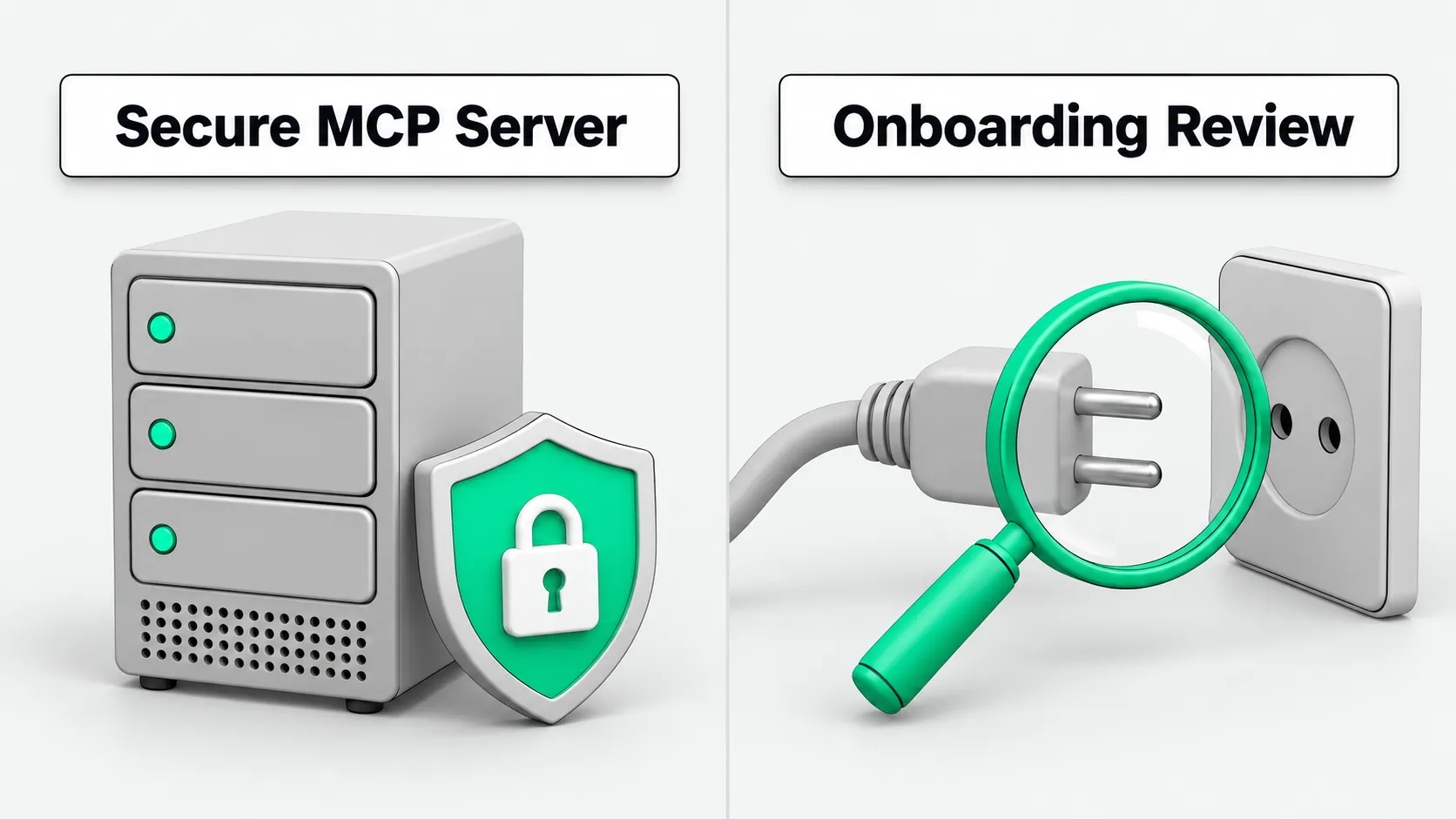
MCP (Model Context Protocol) is a protocol Anthropic open-sourced in November 2024. It connects AI applications to external tools and data. An MCP server is a program that provides capabilities through this protocol. It can expose tools, prompt templates (prompts), and context resources (resources). When the MCP client in an AI application connects to it, the Agent can call these capabilities. An MCP server can run on an employee’s computer or as a remote service. Wherever it runs, it uses an account’s permissions and can read and write the files and systems that account can access.
A real case: MCP security risks from a prompt endpoint
Grafana disclosed CVE-2026-89039 in an official security advisory on October 5, 2026. The vulnerability scored 6.5 (medium) and affected its load-testing MCP server mcp-k6 from version 0.3.0 up to, but not including, 0.7.0. A caller could invoke the convert_playwright_script prompt with an ordinary file path and directly read any file accessible to the account running the service. This included SSH keys and cloud platform access credentials in its home directory. Even when the service restricted access to working directories with an @ prefix, an attacker could bypass the restriction through a symbolic link inside the working directory that pointed outside it. The issue was fixed in 0.7.0.
MCP includes prompt templates (prompts) and context resources (resources) as well as tools. If the code fails to validate input, any endpoint that reads local files can let an attacker steal credentials from the internal network.
Step 1: Service account and environment isolation
Developers debugging locally often start third-party MCP servers directly under their personal developer accounts. This is risky: the server process inherits the user’s full file read permissions. The user’s .ssh/id_rsa private key, cloud platform access keys, and local browser cache are all readable by that process. If the component has a file-reading vulnerability like the one above, attackers who obtain those keys may be able to log in to other machines or cloud accounts.
Configure a dedicated low-privilege service account. Give it no administrator privileges. Keep its home directory empty and store no system login credentials there. For environment configuration principles for filesystem sharing and sandbox isolation, see Do Grok Bots Share Files? Isolating Bots on One Cloud Computer. Restrict the process to a dedicated runtime directory. Even if the code has a file-reading vulnerability, it can only read that empty directory.
Step 2: Input validation; string prefix checks do not stop symbolic links
Third-party MCP servers usually expose parameters that accept file paths, URLs, or queries. During review, inspect each interface and read how the underlying code decides whether a parameter is valid. Many open-source implementations take a shortcut and only compare string prefixes, such as checking whether a path starts with the project directory.
Validation based only on string prefixes is easy to bypass. An attacker can create a symbolic link inside a trusted directory that points to a sensitive system file, or use relative paths to climb out of the directory. Correct code must call a low-level operating system API to resolve the actual physical path before accessing a file. It must then confirm that the target file is inside an allowlist of permitted directories.
For parameters that accept URLs, check whether the code can restrict access destinations. If the MCP server accepts arbitrary network addresses, an attacker could use it for server-side request forgery to probe metadata services or database ports on the company’s internal network.
Step 3: Authentication and version tracking
If the MCP server runs as a local child process, confirm that system access controls protect standard input and output between the parent and child processes. If it communicates over a network port, configure strong authentication tokens or bidirectional transport encryption. Do not allow arbitrary machines on the local network to connect without credentials.
Open-source MCP servers release new versions frequently, and upgrades often fix security vulnerabilities. When a company adopts a third-party component, assign someone to track security advisories from the upstream repository. When the official project releases a new version, promptly validate it in a test environment and roll out the upgrade smoothly. During an upgrade, check interface specification changes as well as replacing files. This helps prevent business interruptions caused by old prompts or tool call methods failing.
Before connecting to core business systems, use synthetic data to run boundary and fault-tolerance tests on tool interfaces. For the approach, see Agent Test Environment: Use Synthetic Data Before Connecting a CRM?.
Step 4: Incident response plan and onboarding checklist
Companies should record which machines the MCP server runs on, which system account it uses, and which business systems’ access tokens it can reach in the onboarding register. If the upstream project discloses a high-severity vulnerability or logs show unusual probing, the operations team can act immediately:
First, immediately stop the MCP process and remove its tool and prompt endpoints from the Agent orchestration layer to block external calls.
Second, follow the security advisory to upgrade the component to a fixed version and check the officially published patch logic.
Finally, rotate all keys and access tokens exposed through that service account and the related business systems. A service restart alone is insufficient. Assume potential attackers read and kept copies of the credentials while the vulnerability was exposed.
Make these four items a standard checklist. Check each item when a business team submits a connection request.
MCP security risks: FAQ
The MCP protocol has a specification. Why must companies still review each server item by item?
The protocol defines only the standard format for exchanging messages. It does not guarantee the quality of third-party code. MCP defines communication signaling for tools, prompts, and resources. How a server reads files, validates parameters, and manages process permissions depends on its author’s code. If an author lacks security awareness and writes code that permits path traversal or unauthorized access, the protocol itself cannot defend against it. Companies must verify both the operating system and code layers.
If an MCP server has only read permissions, do we still need to worry about security risks?
Read-only permissions still carry serious data leakage risks. Many security incidents involve sensitive information being read without any data being written or destroyed. For example, if the account running the server can read local SSH keys, cloud platform tokens, or internal database backups, an attacker can exploit a read-only vulnerability to extract those credentials and then launch a larger intrusion from outside. Do not relax security checks just because a feature is read-only. Restrict what it can read and remove sensitive credentials.
How can a team review MCP server security without dedicated security staff?
A team without dedicated security staff can use a short checklist for MCP server security reviews. Focus onboarding reviews on three actions. First, separate the runtime identity from the development environment. Assign each MCP server a dedicated low-privilege system account and remove private keys and configuration files from its home directory. Second, narrow directory and network permissions. Use the operating system’s built-in containers or directory permissions to restrict access, and open only the folders needed to run the server. Third, record the owner and upstream project URL on the onboarding review form. Subscribe to version update notifications, and update and restart promptly when a vulnerability is disclosed.