
Enterprise AI
AI Flags an SPC Anomaly: Who Decides Whether to Stop the Line?
Plants hand process data to AI for SPC anomaly detection. When parameters drift, the stop-the-line decision needs a clear split between system and people. The system reads data continuously and suggests causes. Shift leads and quality engineers respond by preset tiers, and people own the stop decision and the restart check.
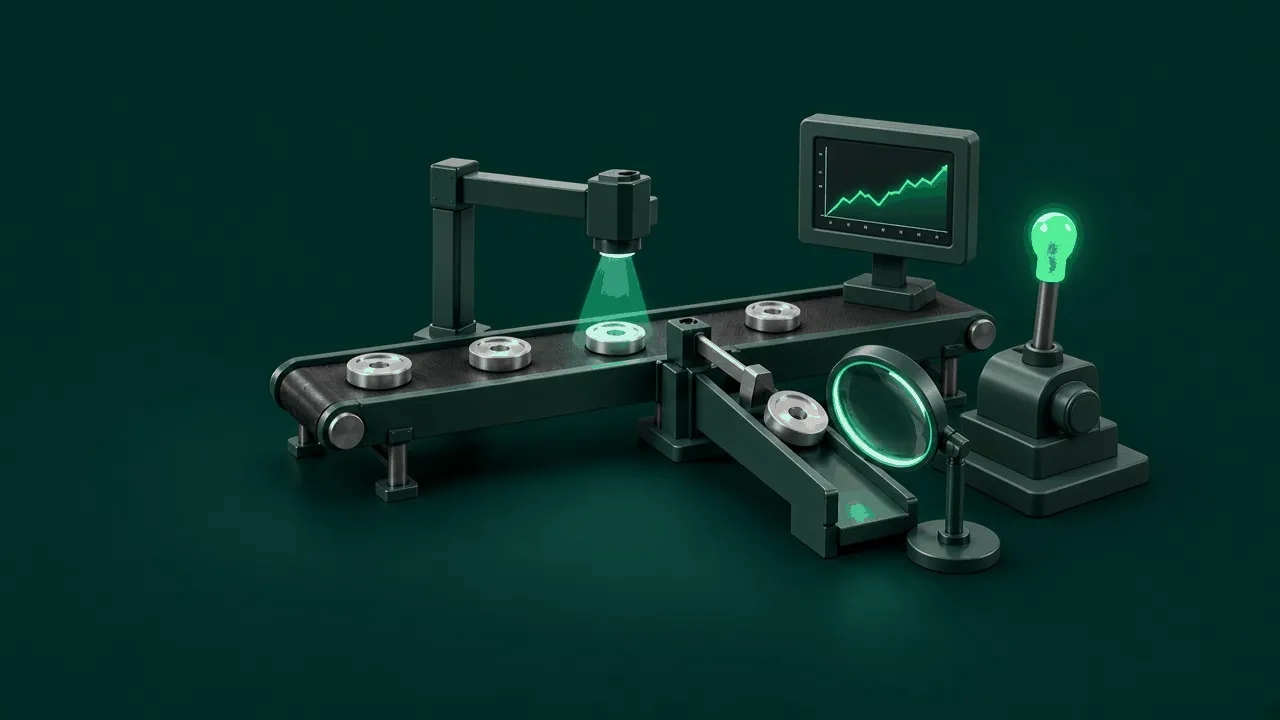
When a plant hands process parameters to an algorithm for SPC (statistical process control) anomaly detection, managers often struggle with one question: when the process drifts, should they stop the line on the spot? If the line stops on every alarm, sensor drift or brief power fluctuations trip it again and again, and the lost output adds up. If alarms go unanswered, dimensional drift from tool wear or mold heating lets whole batches of scrap through. When a company uses AI to monitor process data, it has to define tiers of stop authority, and assign who handles reading the data, investigating, tightened sampling, and the final call.
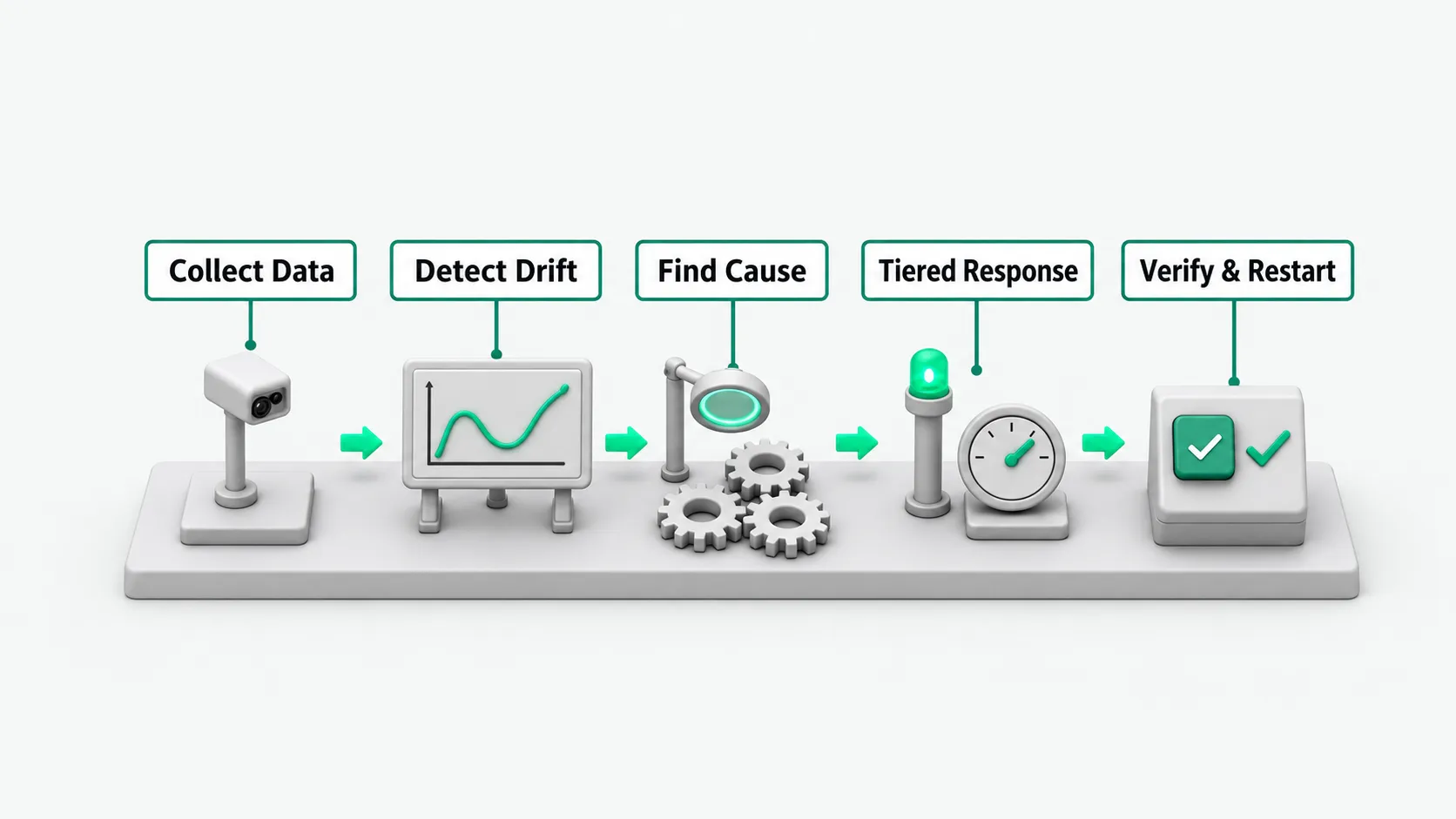
Collect process parameters and detect anomalies: the algorithm reads raw data continuously
The equipment sensor network sends real-time data to the system: machined dimensions, furnace temperature, injection pressure, and vibration. The program compares parameter trends continuously against preset detection rules. When it sees several consecutive points on one side of the center line, a steady upward run, or values approaching the tolerance limit, it marks the anomaly on the trend chart right away. When choosing the first points to validate, see Choosing Enterprise AI Use Cases: Start With Work You Can Verify on the Spot.
The data collection module removes jump noise and stores the readings in the database. Process technicians on the floor can pull up the raw curves on the dashboard at any time. If a sensor disconnects, drops packets, or drifts from zero, the algorithm shows a yellow probe-fault light on the screen. It reminds the instrument technician to calibrate the device on site first, so the line’s condition is not misjudged.
Check related parameters: work out likely causes of the drift
Once the algorithm confirms the readings reflect a process shift, it pulls related data from upstream and downstream operations and compares several variables. When a machined dimension drifts in one direction, the program compares coolant temperature, cutting torque, incoming material hardness, and cumulative tool count at the same time. From the changes in related parameters, the system lists several cause hypotheses, ranked by correlation.
The algorithm pushes this list to the workstation tablet, so maintenance staff and process technicians do not have to walk around copying readings. When a worker taps a cause hypothesis on screen, the system shows the overlaid temperature and torque curves behind it, so the reasoning is in plain view.
Trigger tiered alerts: tighten sampling and notify on site
When a parameter drifts but has not broken the specification limit, the system starts with tiered alerts and does not interrupt the line’s takt time. The first tier sends an instruction to the floor inspector to run tightened sampling on parts at the current station. The inspector measures the parts with gauges and enters the results in the terminal. If the parts pass, the variation is under control and the line keeps running.
The second tier sends a work order to the process engineer on duty, with the anomaly trend chart and the cause analysis attached. The engineer checks lubrication or adjusts the compensation value on site. This happens without stopping the line, and the system logs each parameter adjustment.
Make the stop call: preset automatic cutoffs and human approval
Line stops fall into two types: automatic stops on preset conditions, and stops a person decides. For hard limits such as equipment overpressure, bearing overheating, or a dimension fully out of spec, the system triggers the stop interlock as soon as the preset condition is met and cuts power or material feed automatically. These stops do not wait for human confirmation, to prevent batch scrap or equipment damage. For how to design stop conditions for systems that run unattended, see Agent Safety Guardrails: When to Stop an Unattended Run.
For ordinary abnormal trends, the shift lead or quality engineer on duty decides whether to stop. The system shows a stop prompt on the workstation screen with the size of the deviation and the scrap risk of continuing. The shift lead checks the parts on site, weighs the production schedule, and manually confirms the stop or defers it. People on site are accountable for the decisions they sign. The system records the operator account and the stop time.
Restart and review: confirm parameters are back and keep a record
After the stop and investigation, the operator must not just press reset and restart. Once maintenance replaces the tool or adjusts the temperature control, the process technician and the inspector run a first-article inspection together. The inspector confirms the first part’s dimensions match the drawing, enters the inspection report number in the system, and releases the hold.
After the system receives the passing first-article data, it resumes continuous parameter reading. When readings over the most recent cycles are all back within control limits, the system allows the main control cabinet to release the interlock, and the shift lead swipes a badge to confirm the restart. At the end of the shift, the quality manager meets with the process technician and the shift lead. They compare the original anomaly call with what the repair actually found, and add any newly found interference sources to the knowledge base.
SPC anomaly detection: FAQ
When SPC alarms fire too often, how does the plant keep floor staff from alarm fatigue?
Frequent false alarms teach workers to dismiss alerts by reflex. When this happens, the quality engineer and the algorithm maintainers should go back through historical logs and recalibrate rule sensitivity. Some parameter changes are normal variation from a new raw material batch and do not need pop-ups. The system should filter alerts by level. Minor trends get logged in the background. Pop-ups go to the workstation only after repeated consecutive deviations or when several parameters move together. The plant should remove obsolete rules on a schedule, so each alert pushed to a workstation is worth investigating.
Why not let the algorithm make every stop-the-line decision for every process parameter?
Plant conditions are complex. Sensor errors, material batch differences, and electromagnetic interference can all cause brief abnormal readings. If the algorithm holds stop authority for every parameter, false alarms trip the line often, disrupt assembly takt time, and cost output. The algorithm is good at scanning data continuously and catching slow drift. Floor staff know equipment noise, mold wear, and how materials look. Keeping routine stop decisions with floor staff, who make the final call based on actual conditions, balances quality risk against production efficiency.
What procedure should quality engineers follow when they change control chart rules in the system?
Changes to control chart rules go through a controlled engineering change process. The engineer files a request based on trial-run data or a change in customer standards, and lists the proposed sampling interval, detection rules, and the calculation for control limits. The process supervisor has manufacturing, quality, and equipment departments co-sign after assessing the effect on miss rate and false-stop rate. After the workshop manager approves the change, the system administrator updates the configuration and archives the approval documents. The system keeps a version of every rule change automatically, which guards against unauthorized parameter changes.