
Enterprise AI
Agent Safety Guardrails: When to Stop an Unattended Run
Agent safety guardrails: completion check; caps on steps, tokens, time, repeat calls and tool error streaks. Limit exits are incomplete; log why and open items.

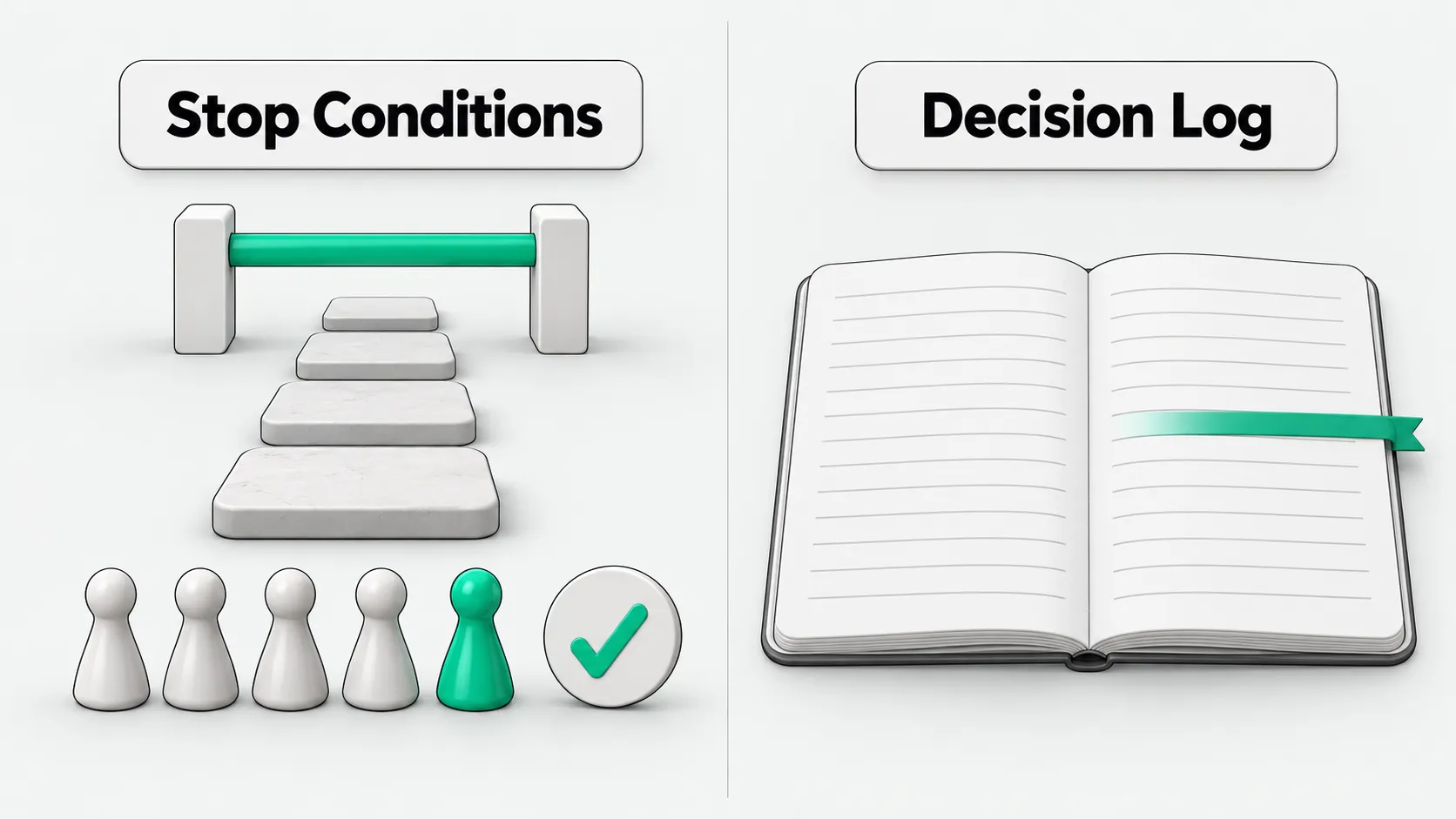
Before letting an agent run unattended, set agent safety guardrails and define its stop conditions: one “task complete” check and five limits on steps, token budget, wall-clock time, repeated identical calls, and consecutive tool errors. The team sets the values for its business needs. A run that stops because it hits a limit is incomplete. The log must record which condition triggered the stop, what the agent was doing when it stopped, and what remains unresolved.
Judge completion by business outcomes
To decide whether an unattended run has finished, first define completion objectively.
The University of Michigan’s Fall 2026 course EECS 498-016, Applied Agentic Software Engineering, is taught by Marcus Darden. Its syllabus lists the core requirements for Agent v0, including an autonomous loop with six stop conditions. The course notes say that in a basic interaction loop, a run ends when the model returns a response with no tool calls.
Our assessment: in enterprise deployments, a model sometimes stops calling tools because it has exhausted its context or reached a branch it cannot handle. This does not establish that the business goal has been met.
We recommend that enterprises define completion by business outcomes. For example, an external validation script passes, or a target record that meets the requirements is created in the database and the downstream system confirms receipt. Use an objective completion signal from the environment to prevent the model from falsely reporting completion.
What the five limits prevent: steps, budget, time, loops, and consecutive errors
The five numeric limits back up the completion signal. Each controls a different risk of a run getting out of control.
The course notes list six stop conditions: one “task complete” check and five limits on steps, token budget, wall-clock time, repeated identical calls, and consecutive tool errors. The step limit is the fallback for the other conditions.
First, the step limit prevents infinite loops. It caps the number of iterations in the autonomous loop as an overall fallback.
Second, the token budget controls spending. A run stops immediately when its consumption reaches the set quota, preventing recursive reasoning from wasting resources.
Third, the wall-clock limit handles stalled runs. If a background process or external interface stops responding, elapsed time determines when to cut off the run so the task cannot remain suspended indefinitely.
Fourth, the limit on repeated identical calls stops an agent from repeating the same action without progress. It cuts off the run when the agent calls the same tool with the same arguments several times in a row.
Fifth, the limit on consecutive tool errors interrupts repeated failures when they reach the threshold. The course notes say that a non-zero value returned by a command needs careful handling when deciding whether it counts as an error. For example, when fixing code, a failed test command provides information for investigating the problem. Counting it as an error could stop the run halfway through fixing the tests. Teams need to distinguish business feedback from interface crashes.
A run that hits a limit is incomplete: give each limit a distinct log name
A task that stops because it hits a limit is incomplete. Its run log must be more specific than “stopped.”
The course notes say that runs ending at a limit are incomplete and that each limit must have its own name in the log. The team sets the numeric values for its business needs; the course specification does not set them. A log that only says “stopped” hides the most important fact.
In business monitoring, a record that only says the system stopped leaves operators unable to tell whether the task finished normally, was cut off by a timeout, or was halted because it kept looping with the same arguments.
We recommend that enterprises assign a separate identifier field to each stop condition, such as step limit exceeded, budget exceeded, wall-clock timeout, repeated calls, and consecutive errors. Mark a task as successful only when it passes objective business validation and is closed. Route every exit caused by a limit to a human review dashboard as an incomplete exception. This prevents unfinished output from reaching downstream systems as a normal result.
What to record when a run stops: the current work and unresolved items
When an agent triggers a stop condition and exits, the log must retain the full context for later investigation.
The course notes say that exit information is also written for people. It should explain both why the run stopped and what the agent was doing at the time.
For example, a financial reconciliation agent is forced to stop at its step limit. If the log only says “step limit reached,” the person taking over must retrieve the full call history again. If the exit information identifies the batch of supplier documents being compared, the batches already completed, and the amount discrepancies still unresolved, the business staff taking over can continue immediately without rerunning the task from the beginning.
We recommend that enterprises standardize exit information into three fixed fields: the step where the run stopped, what the agent was doing, and what remains unresolved. Clear records can shorten investigation time when a person intervenes.
Scope of agent stop conditions: ending runs, without judging individual actions
Stop conditions manage the lifecycle of an entire run. They do not assess whether an individual action is dangerous.
The course notes say that stop conditions end runs and do not judge individual actions. For example, deleting critical data from the command line or initiating an external funds transfer remains high risk, even on the first step of a task, before any limit has been reached. Assessing actions requires an approval layer. See Agent Tool Call Auto-Approval: Which Calls to Allow or Block.
Rollback and recovery after an error are a separate matter. Before letting an agent run unattended, we recommend that enterprises write the values of all five limits into the go-live acceptance checklist. For tool permission tiers, see Agent Permission Management: How to Set Tool Access Levels and What to Grant First.
For governance considerations before expanding automation, see AI Agent Security Governance Must Come Before Scaling. For checks when moving from pilot to production, see Your AI Agent Pilot Works. What Does It Need Before Production?.
When AI interprets SPC anomalies on a production line, see AI Flags an SPC Anomaly: Who Decides Whether to Stop the Line? for when to stop the line.
Agent safety guardrails: FAQ
Why set external stop conditions instead of relying on the model alone to decide whether a task is complete?
Our assessment: on long task chains, a large language model may misjudge completion or enter an infinite loop. It may declare a task complete when only half the work is done, or repeatedly retry the same action after an error and waste resources. The underlying runtime environment directly enforces external stop conditions, independently of model reasoning, to provide deterministic cutoff protection.
Why should non-zero exit codes, such as a failed test command, not all count as tool errors?
A non-zero return value from a command-line tool often conveys a specific business state and does not mean the tool has crashed. For example, when unit tests fail, the test framework returns a non-zero value. This is an objective result and the basis for the agent to continue fixing the code. Recording it as a tool error and triggering a cutoff can unexpectedly stop the system halfway through a fix. The implementation should distinguish low-level call failures from the return codes of business tools.
How should teams structure logs to record what triggered an agent stop condition?
To design a decision log for agent stop conditions, separate run state and context into structured key-value pairs. Teams should standardize three core fields: stop type, current action, and unresolved items. First, use an enum value to identify whether the run completed normally or hit a specific limit. Next, record the identifier of the entity being processed and the tool arguments at the time of interruption. Finally, retain the remaining task queue and an error summary. A standardized log gives the person taking over a snapshot of the situation and avoids restarting the investigation from scratch.