
Enterprise AI
Agent Tool Call Auto-Approval: Which Calls to Allow or Block
Agent tool approval: code boundary checks, rule auto-approval, human review. Use arguments; ignore model reasons. Strict write checks. Log approvals and blocks.

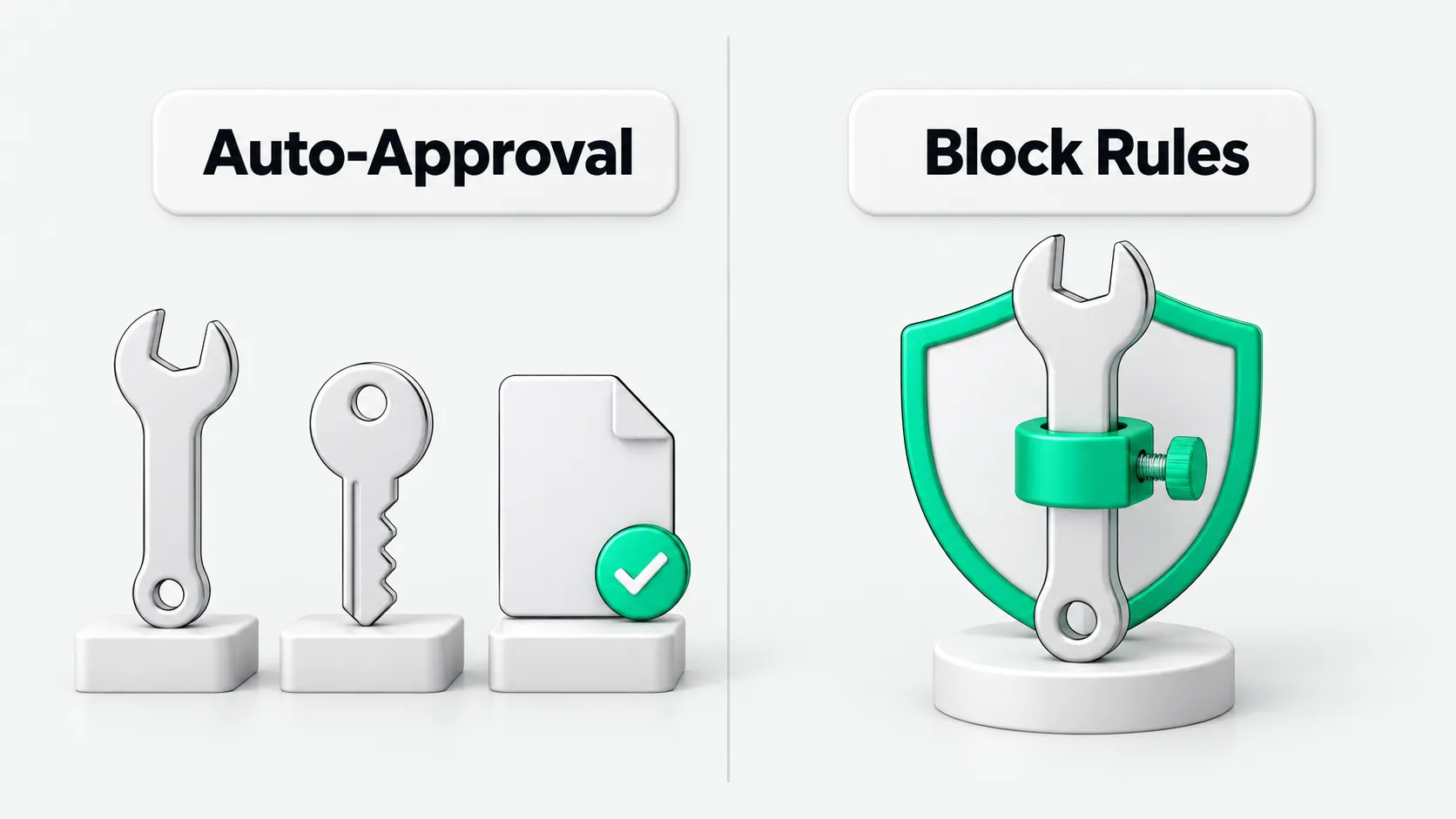
Agent tool call auto-approval has three layers. First, code rejects calls that should not reach a person, such as calls with invalid arguments or paths outside the allowed scope. Second, rules automatically approve low-risk calls. Third, all other calls are blocked for human review. Every approval or block gets a log entry naming the matched rule. Approval checks the call itself and ignores the model’s stated reason.
Where agent tool call approval belongs: code boundary checks before human review
Put the approval layer after argument parsing and before tool execution.
Marcus Darden teaches the University of Michigan’s Fall 2026 course EECS 498-016, Applied Agentic Software Engineering. The lecture notes give this sequence: parse arguments, check boundaries in code, let a person allow or deny the call, then execute it or return the denial as the result. Code returns an error for invalid arguments and rejects paths outside the repository without asking a person.
We recommend that companies build their approval pipelines in this order. If the argument format is incomplete or the requested working directory falls outside the preset scope, the underlying code should block the call and return an error without involving a person. Only calls that pass the basic validity checks proceed to routing by rules or human review.
Reads carry risks too: set blocking conditions for sensitive files to prevent data leaks
Reading local files and internal data also risks data leaks. Do not approve all reads by default.
The lecture notes say every call must stop for human approval at the start, including reads. Reading a file puts its contents in the context of the next request. With a hosted model endpoint, those contents leave the local machine. Sensitive configuration files inside the repository can also pass basic directory boundary checks. Later rules automatically approve most reads.
In business environments, configuration files often contain private tokens, database connection strings, and business system keys. If a model reads these files and sends them to an external hosted model, confidential information may leak.
We recommend that companies set separate blocking conditions for sensitive configuration files, key directories, and system credentials. Allow other routine reads only after confirming that their paths do not access confidential assets.
Which calls to auto-approve and which to block: use tiers based on consequences
Limit auto-approval to low-risk calls whose impact can be controlled. A person should take over write operations with irreversible consequences.
We recommend that companies define what to approve by action type. Calls that do not damage external state can be auto-approved. Examples include reading read-only business documents, querying public information, and writing temporary test data in an isolated directory.
Calls that delete critical data, send emails or tickets to external parties, initiate payments or settlements, install external software packages, or run newly downloaded external scripts in a terminal should be blocked immediately for human review.
For a phased approach to granting tool permissions, see Agent Permission Management: How to Set Tool Access Levels and What to Grant First. For the steps in high-risk outbound operations that should retain human involvement, see Which CRM Outbound Agent Emails Need Human Approval Before Sending?. Change sign-off and reviews before connecting to external servers are separate processes and are outside this article’s scope.
What approval checks: commands and arguments; ignore model explanations
The approval layer must assess each call’s risk from its actual command and arguments. It must not rely on the model’s own summary.
The lecture notes say to show the approver the full call. For file writes, show a diff; a byte count alone is insufficient. Do not use the model’s summary. When a call is denied, the system returns a tool message with the reason so the model knows the call was denied.
The lecture notes also say approval applies to the command alone. The first version of the approval layer trusts the purpose stated by the model. The course identifies this as a weakness to attack later.
Our view: the model’s explanation of its own actions can be wrong. Malicious instructions can also lead it to invent reasons that appear compliant. Approval logic must match rules against the actual generated arguments and code diffs only.
For how much detail to include in the reasons when a procurement agent provides a supplier shortlist, see How Detailed Should a Procurement Agent’s Supplier Shortlist Reasons Be?.
Log every call and keep strengthening the approval layer: review mistaken approvals and blocks
Tool call auto-approval rules need ongoing adjustments based on logs.
The syllabus lists rule-based auto-approval and decision logs. In the second half of the term, it includes a dedicated topic on permission policies and how they fail. One lab specifically strengthens the first version of the approval layer. The syllabus also describes a hackathon where students watch their agents run unattended to test how well their auto-approval rules work.
We recommend that companies log four fields: the exact command, the matched rule, the decision to allow or block, and the reason. Operations teams should review audit logs regularly for calls that should have been blocked and normal business instructions blocked by mistake. They should use these findings to update the rule set. The approval layer handles only individual calls. For when an entire run should stop, see Agent Safety Guardrails: When to Stop an Unattended Run.
Agent tool calls: FAQ
Why introduce auto-approval instead of leaving every tool call decision to a person?
Our view: in real business settings, agents often make many tool calls to complete a task with many steps. If a person must click Allow on-screen for every simple file read or directory search, human review soon becomes a bottleneck. Approvers can also tire and approve calls without checking. Code boundary checks and explicit approval rules filter out many low-risk calls. This keeps autonomous runs moving and lets people focus on destructive actions with high risks.
Why show code diffs instead of model summaries in human approval requests?
Our view: model-generated summaries can omit small but critical argument changes. Disruptive prompts can also lead to misleading explanations. For example, a model may claim it only updated configuration comments while its generated diff changes the database port or deletes validation logic. Showing code diffs and exact input arguments in the approval interface lets reviewers see which file lines changed and where requests are sent. This helps prevent risks from discrepancies between the summary and the actual behavior.
When first building agent security auditing and an approval layer, which blocking rules should come first?
When building agent security auditing and an approval layer, we recommend starting with actions that have the widest impact and are hardest to remedy. Define three conditions for blocking calls outright. First, block irreversible actions such as deleting, clearing, or formatting. Second, block file writes whose target paths involve system environment configuration, credentials and keys, or production database connections. Third, block external network requests whose destinations are not on the internal trusted list. Once these three conditions are defined, gradually approve other routine operations according to business needs.