
AI Safety
An Onboarding Agent Creates Accounts: How Should Access Follow the Role?
When a company uses an onboarding agent to create email, office software, and business system accounts for new hires, role templates approved by each department with IT and security control the scope. The agent stops at once when information does not match. Anything outside the template, and sensitive access involving money or data, goes to human approval.
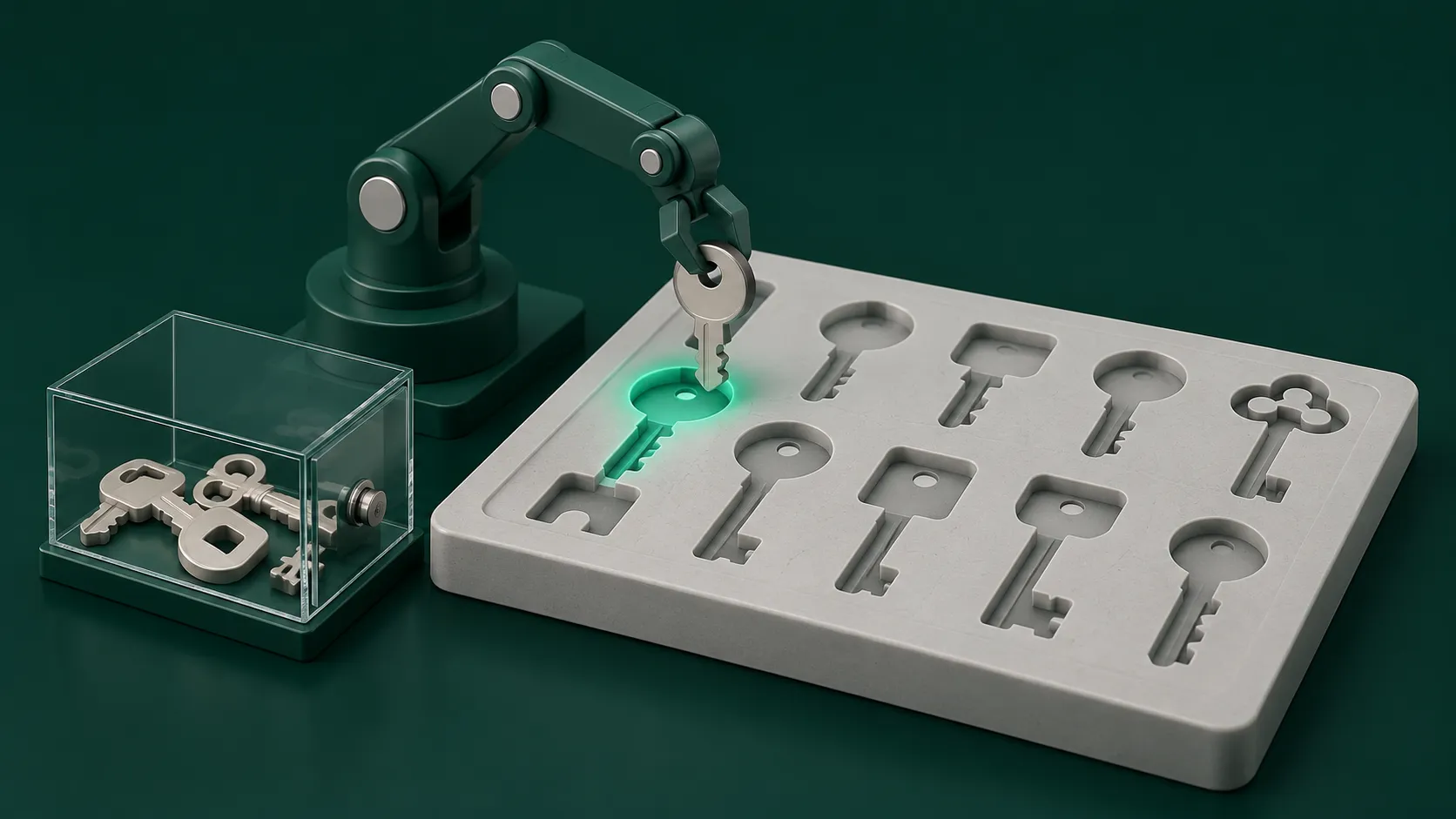
An onboarding agent creates accounts from role-based access templates. Department heads set the templates together with IT and information security. The role and department in the HR system trigger the work. If the information does not match, the agent stops and asks HR. Access outside the template goes through a request form that a person approves. Sensitive access such as finance payments, customer data export, and system administrator rights is kept out of what the agent grants automatically. After setup, the agent sends the account list to the employee and their direct manager to confirm. When someone changes roles, old access is revoked based on the new role.
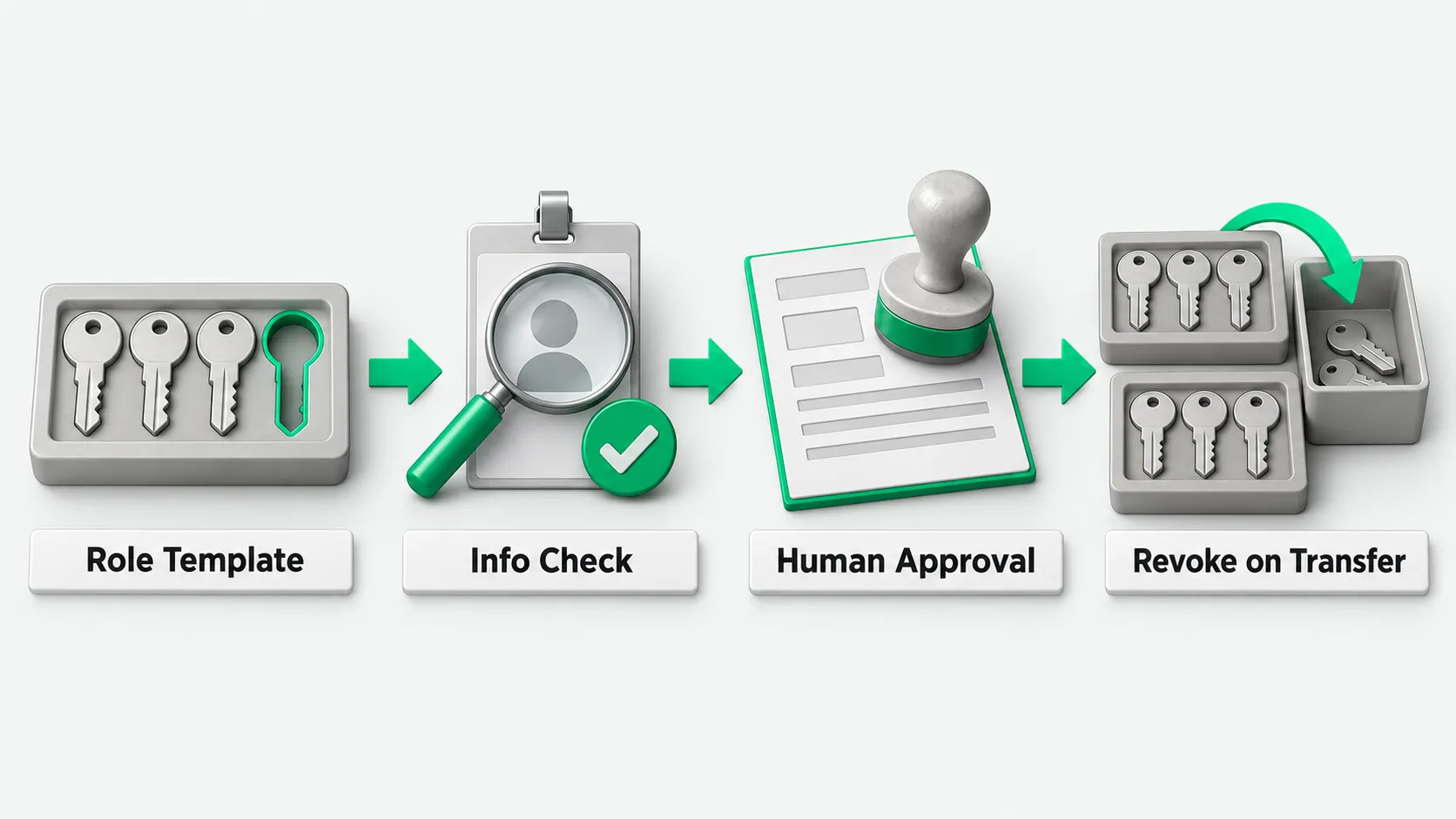
Who sets role access templates and how to write them
Each business department head lists the common roles in their department and works through them one by one with IT and information security. For each role they ask which systems the person needs to log in to on day one, and which role they get in each system. The result is a standard template table. Each account permission lists the daily work it supports. Unused idle roles stay out.
For example, within the same sales department, a role that follows up on leads gets only the entry and view roles in the CRM. It does not get bulk export or contract approval roles. Once set, templates are stored and archived. If a department later wants to add a new system or role to a template because the business changed, it files a change request first. The department head, IT, and information security approve it together, and the system keeps a version record of every change.
How the agent creates accounts from the onboarding form
After HR completes the onboarding form in the HR system, the agent reads the new hire’s department, role title, start date, and direct manager, and matches a role template in the template library. Once matched, the agent creates accounts and assigns roles in email, office software, and the business systems the template lists. It logs the time, system name, and assignment result for each step.
If the role or department on the form is missing or does not match, or the role title has no match in the template library, the agent stops at once and messages HR. It does not guess a similar role and keep going. When the agent calls interfaces, it uses its own service account, with only enough permission to create regular accounts and assign basic roles in the specified systems. For how to tier the agent’s own permissions, see Agent Permission Management: How to Set Tool Access Levels and What to Grant First.
How access outside the template and sensitive access get approved
If a new hire takes on special work and needs a system outside the role template or a higher role, the employee or their direct manager files a request in the workflow system. The request states the purpose, the system modules involved, and the period of use. It goes to the owner of that business system and to information security for approval, and access is granted after approval.
High-risk permissions such as finance payment approval, full customer data export, production database read and write, and system administrator rights are never written into any role’s automatic template. For example, if the new hire is a finance supervisor or an operations engineer, the agent creates the regular accounts and roles from the role template. Sensitive permissions involving money, large amounts of sensitive data, and back-end administration are approved by a person and granted by hand. A designated person verifies the hire’s identity and appointment documents and then configures them.
How to check after setup and how to swap access on a role change
After the agent creates every account in the template, it generates an account list and sends it to the new hire and their direct manager. Each of them checks the list against the planned work. They look for systems that should not have been opened and for missing basic roles needed for the job, and report any problem to IT. The information security team also spot-checks on a schedule whether current staff permissions match the role templates.
When an employee moves to another department or role, HR updates the role in the HR system. The workflow first revokes the business system roles from the old department based on the old role template, then adds the new roles from the new role template. Permissions from several roles do not pile up over time. For who takes over an agent an employee built after they change roles or leave, see Who Owns an AI Agent When the Employee Who Built It Leaves?.
Onboarding agents: FAQ
If a new hire’s exact role is not set on day one, what does the agent open first?
For a new hire without a set role, the agent opens only the basics every employee gets, such as company email, attendance, and the instant messaging tool. Business systems such as the ERP, CRM, or code repositories stay closed. After the department enters the specific role in the HR system, the agent adds the rest from the role template.
A manager says in a group chat to give the new hire some access. Can the agent add it directly?
No. Verbal requests and group chat messages are not a basis for granting access. Access outside the template always goes through a request in the system that states the purpose and period. The manager and the system owner approve it, the approval is recorded, and then access is configured.
Should access be tighter for employees on probation?
Follow company policy and the role template. Basic entry and query roles needed for daily work are granted in full from the role template on the first day. Sensitive permissions such as large approvals, access to core repositories, or external publishing can be requested after probation per company policy. If the employee truly needs them during probation, a separate request is filed, and access is granted by hand after the direct manager and the system owner approve it.