
AI Safety
Agent Console: What to Check Before Your Company Adopts One
An Agent console is a scheduling and observation layer above coding Agents, with no model of its own. Before adopting one, a company checks four things - which Agents it supports, where session and audit records live, how the server is deployed and which remote channels are open, and whether to use stable or nightly. This note walks through each check using T3 Code.
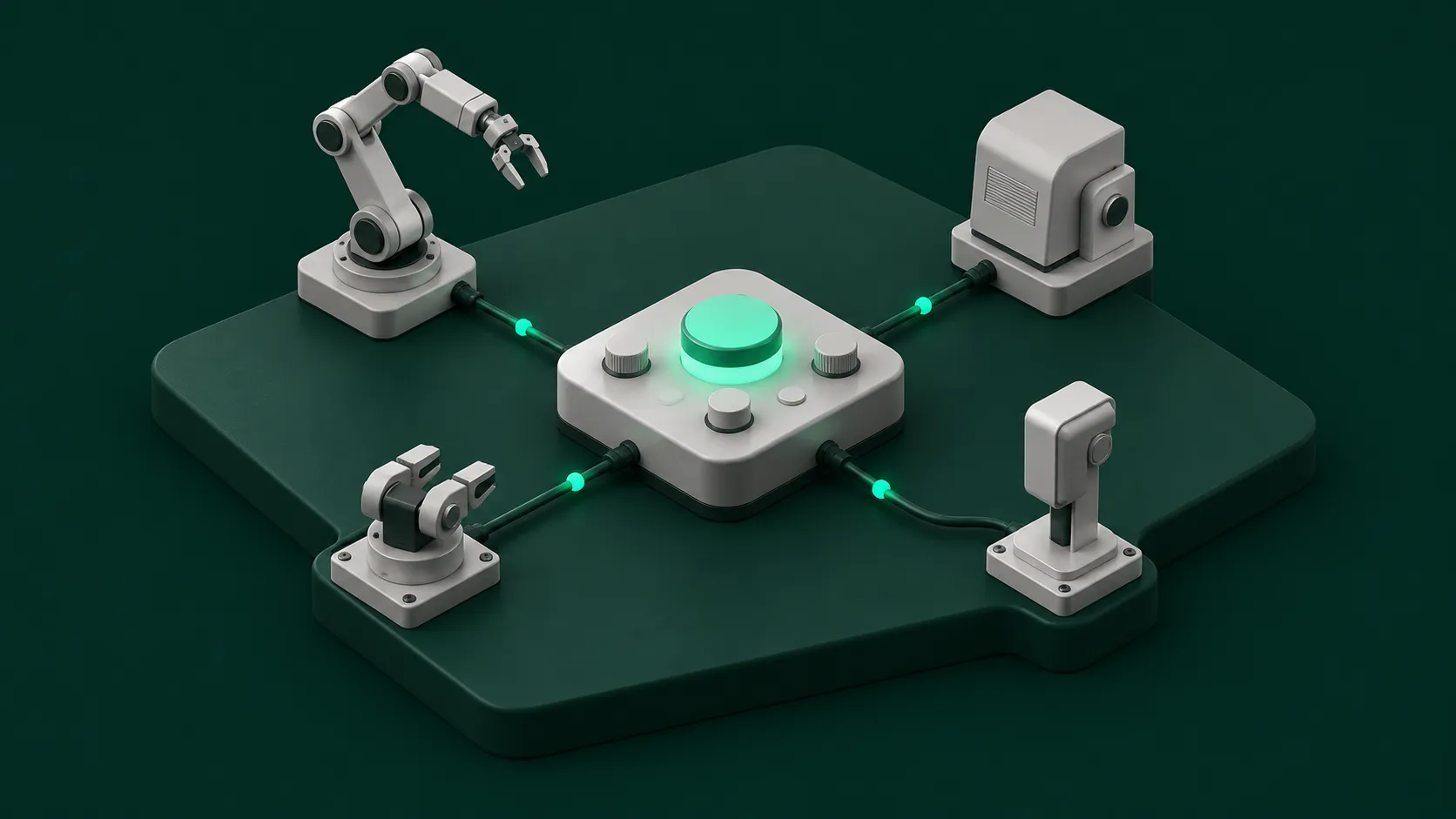
An Agent console is a scheduling and observation layer that sits above coding Agents such as Codex and Claude Code. It has no model of its own. Code execution and project files stay on the machine that runs the server. The mobile app, web client, and desktop client act only as remote controls. More and more, developers hand out work and review it instead of writing every line, and this layer exists for that. For how the developer role is changing, see From Coder to Agent Orchestrator: How AI Changes a Developer’s Job.
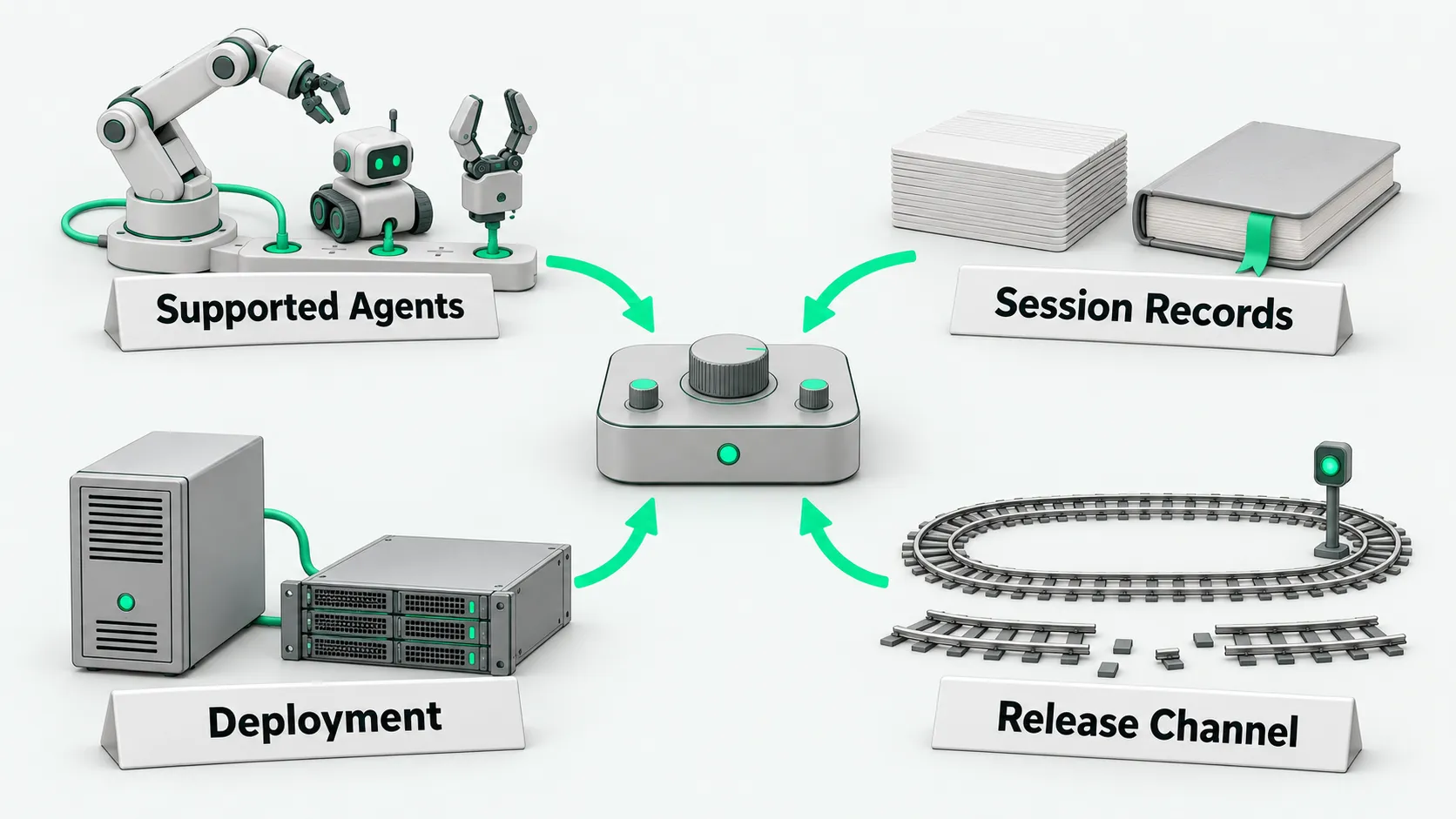
Before adopting an Agent console, a company checks four things: which Agents it supports, session and audit records, deployment, and version stability. This note uses the open-source tool T3 Code to walk through the checks. The project is only an analysis sample, not a recommendation.
The T3 Code README describes it as an agent harness control surface. It uses the MIT license, and the repository is pingdotgg/t3code. As of October 26, 2026, the repository had 30,116 stars and 1,083 open issues. The README says: “We are very very early in this project. Expect bugs.”
Which Agent backends it supports
- Check the backend Agents against the official support list. How to check: read the project’s README and install docs. The README lists 6 natively supported Agents: Codex (sign in with
codex login), Claude Code (sign in withclaude auth login), Cursor CLI (sign in withagent login), Grok Build CLI (sign in withgrok login), OpenCode (sign in withopencode auth login), and Antigravity (install it in settings and sign in with a Google account). The install docs also list Pi and Muse Code. For Agents not on the official list, check whether they can connect through the ACP Registry (see the ACP docs). That mechanism supports ACP v2 preview first and stays compatible with v1. When planning multi-Agent management, a company first confirms, tool by tool, whether the tools it uses internally are supported. - Confirm which machine owns account authentication and subscription allowance. How to check: read what the install docs say about the runtime environment. The docs state that installation, sign-in, and configuration all belong to the machine that runs the server, even when you connect from a phone or another computer. The console ships no model and does not replace the subscription accounts of the underlying Agents. According to clause 07 of the terms of service, there is currently no T3 Tools subscription fee. The company pays for the underlying Agents’ model calls and third-party costs itself.
- Check provider version compatibility. How to check: check the recommended versions in the install docs and in system settings. T3 Code warns about provider versions known to be incompatible. The docs state that any version not on the recommended list is treated as unverified.
Session and audit records
- Find the two places session data is stored. How to check: read the background service docs and the thread migration docs. Records live in two places. The console’s own data is in
~/.t3/userdataon the server machine (or<path>/userdataif started with--home-dir <path>), and the database file isstatev2.sqlite. Each Agent’s native session history stays in its own directory (for exampleCODEX_HOME,CLAUDE_CONFIG_DIR,GROK_HOME,~/.pi/agent/sessions). The console’s usage page reads these directories directly to total up usage. Both are local to the server machine, so put both under the company’s backup and retention policy. - Check how detailed the activity log is. How to check: read the activity log docs. The activity log can be expanded to show the terminal commands run, tool input parameters, status, exit codes, and standard output. File changes show a diff. Auditors should note the docs’ wording: “Waiting on a thread does not mean it finished, and an interrupt or cancellation request does not mean the thread stopped.” The orchestration design docs state that interrupted execution attempts stay in the execution graph for audit and debugging.
- Check what data remains after deleting threads and uninstalling. How to check: read the background service docs and the thread sidebar docs. Running
t3 uninstallremoves the background service, the launcher, and downloaded packages, but keeps the project, thread, and configuration data in~/.t3/userdata. Threads without a project are stored in separate directories under~/.t3/scratch. The docs note that deleting a thread without a project still keeps its folder (“Deleting a thread keeps its folder”). - Review the list of data reported externally and the records of child threads. How to check: read the telemetry docs and the orchestration MCP docs. The server reports usage events to
ingest.t3.codes, which forwards them to PostHog, with hashes of the account and a random device identifier. Tracing data for T3 Connect relay connections goes to Axiom. Reported fields include provider, model, reasoning effort, run duration, release channel, and the main Agent’s total tokens. Prompts, response text, code file contents, auth tokens, and session IDs are explicitly not reported. SettingT3CODE_TELEMETRY_ENABLED=falsein the server environment turns off event reporting and stops relay tracing. Diagnostic data can also be exported to a company’s own OpenTelemetry collector. In multi-Agent management, each child Agent gets its own child thread. A child thread receives only its assigned task prompt and does not copy the parent conversation’s history.
Deployment and connection boundaries
- First decide which machine runs the server. How to check: read the architecture internals docs. The architecture states that execution must stay on the machine that has the code, and remote clients cannot substitute their own file system or machine state for the runtime environment. The desktop client runs the server built in. The web and mobile clients connect through authenticated RPC.
- List every remote channel and decide on each one. How to check: read the remote access docs and the T3 Connect internals. Remote access has three paths: T3 Connect, pairing over the local network or a Tailscale private network, and SSH. T3 Connect relies on Clerk account authentication and a hosted tunnel. The relay only manages environment routing and tunnels and does not forward HTTP or WebSocket session traffic (automation webhooks excepted). The Nightly docs state that the background service listens on local network and Tailscale addresses by default. For local-only access, set
T3CODE_HOST=127.0.0.1inservice.env. On Stable, go by the address it actually listens on. - Check how the Agent console connects outside Agents over MCP. How to check: read the outside Agents docs. Each runtime environment provides an endpoint at its environment address with
/mcpappended. Outside Agents running in a terminal, such as Claude Code, Codex, or ChatGPT, can use this endpoint to read projects, create threads, and send messages. Local Agents use a localhost or https address. Cloud Agents need the endpoint to be reachable from the public internet. The first connection must be authorized on the environment machine. For the security review points when connecting outside Agents, see MCP Security Risks: Which 4 Items Should You Review Before Connecting?. - Check for enterprise management and central policy features. How to check: search the README,
docs/user, anddocs/internalsfor terms such as enterprise, SSO, admin, and organization. As of October 26, 2026, the official docs show no enterprise management console, organization accounts, SSO, central policy, or central audit. When the docs show none of these, the company has to cover them itself at the network and host level.
Version stability and release channels
- Tell Stable and Nightly apart, and record the version number. How to check: read the release docs and GitHub Releases. A Stable version is promoted from the latest published Nightly after validation. It is not built straight from the main branch. Nightly checks for a build every 30 minutes on a schedule. As of October 26, 2026, the latest Stable was v0.1.2 (released 2026-10-23), and the latest Nightly was v0.1.3-nightly.20261025.3692 (released 2026-10-26). When evaluating and rolling out an Agent console, a company uses only Stable and records the version number and date.
| Channel | Version | Release date | Channel notes |
|---|---|---|---|
| Stable | v0.1.2 | 2026-10-23 | Tagged as the latest official release, promoted from a validated published Nightly |
| Nightly | v0.1.3-nightly.20261025.3692 | 2026-10-26 | Pre-release, with a scheduled build check every 30 minutes |
- Check which channel each feature is in, and pin the version. How to check: compare each version’s official docs and the updating docs. Some features appear only in the Nightly docs. For example, Guest links and the background service listening on local network addresses by default are both absent from the v0.1.2 docs. Pin the version at install time with
T3CODE_VERSION. On an existing install, pin it witht3 update <version>, and add--allow-downgradeto roll back. The background service keeps its existing release channel. - Assess how upgrades interrupt running tasks. How to check: read the updating docs and the terms of service. A server upgrade restarts network connections, which interrupts running Agent tasks and terminal commands. When the client and server protocol versions do not match, the connection is refused outright. The terms of service state that Beta features may break or lose data, and you should not treat them as the only copy of important work.
Agent console: FAQ
Does the console send code and prompts outside?
According to the official telemetry docs, product telemetry sends events to ingest.t3.codes, which passes them to PostHog, with hashes of the account and device identifiers. Reported fields include the provider name, model name, run duration, and total tokens. Reports explicitly exclude prompts, model responses, code file contents, and auth tokens. Tracing data goes to Axiom. T3 Code provides no model. Each Agent makes its own model calls.
With no enterprise admin console, can we start with a small rollout?
As of October 26, 2026, the T3 Code official docs show no enterprise management console or central policy. For a small test, run the service on a designated controlled host, limit it to the Stable version, turn off unneeded remote access channels in the configuration file, and add storage directories such as ~/.t3/userdata to the team’s existing backup process.
Does multi-Agent management need a separate console?
Not necessarily. If developers only run independent tasks in a terminal on one machine, each Agent’s native command line is enough. Consider an Agent console when the team needs to see threads from several machines in one place, or needs each child Agent’s task recorded as its own child thread. For file and account isolation when several Bots share a workspace on one machine, see Do Grok Bots Share Files? Isolating Bots on One Cloud Computer.