
AI Safety
AI Blocks Phishing Emails: How to Release Legitimate Mail?
When companies use email security services to block phishing emails, legitimate business correspondence is often held in quarantine as suspicious. Mail administrators and business teams must separate block categories, inspect message headers, verify sender identity, and release messages with scoped permissions to avoid broad allowlisting.
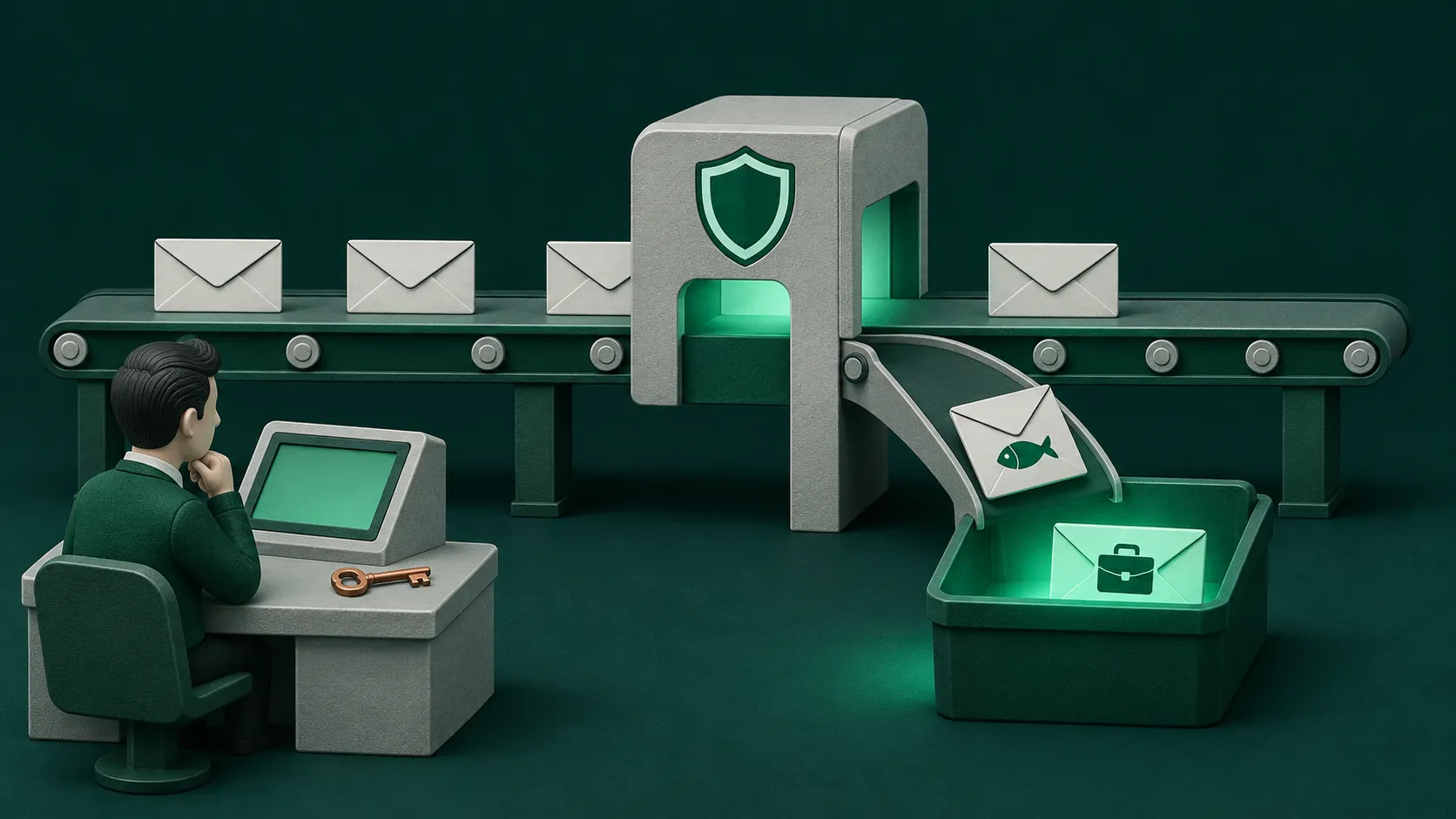
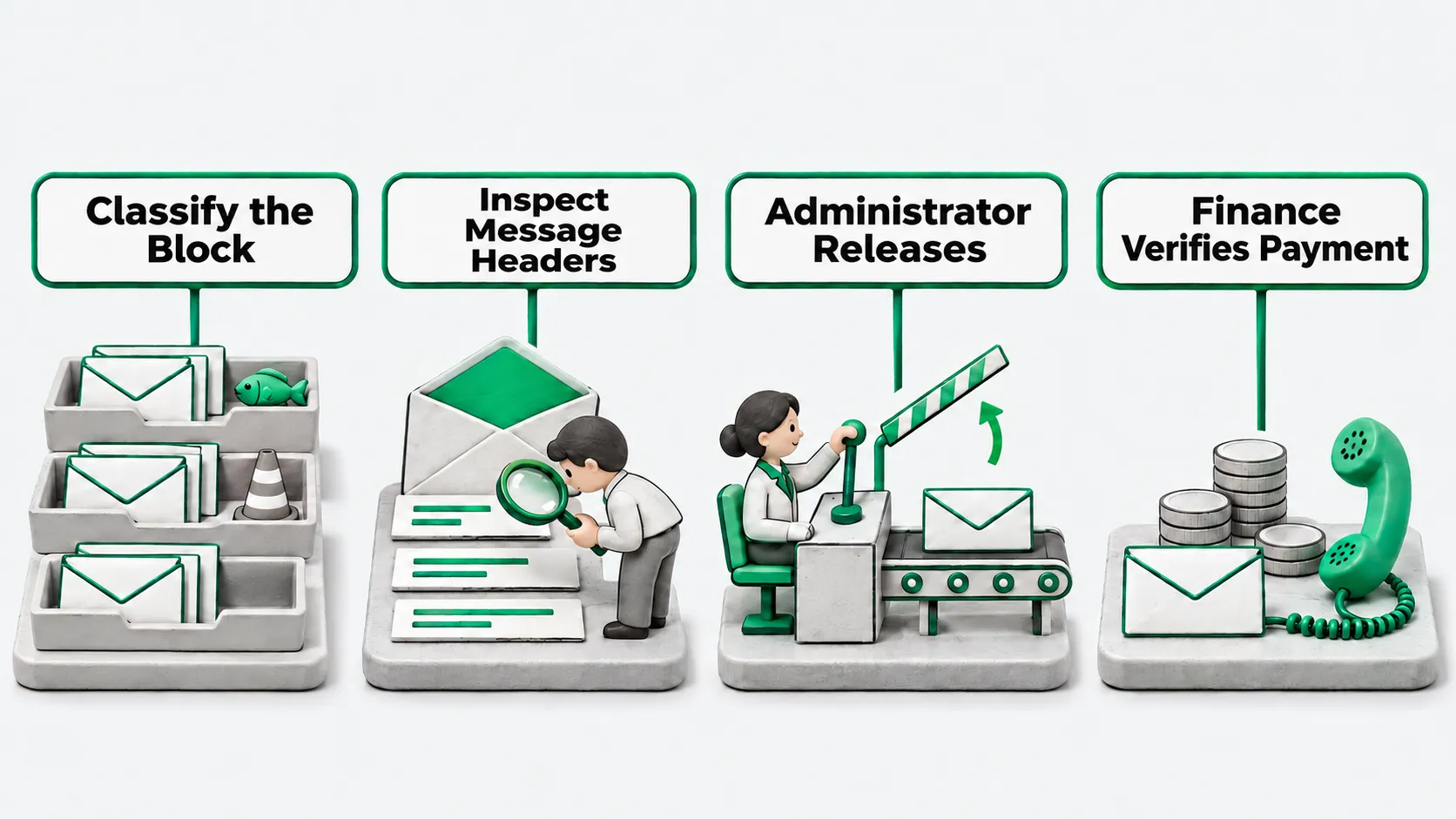
When phishing emails are filtered by AI and a legitimate business message is blocked, the company needs a fixed false-positive handling path. Business staff who notice a missing email report it to the mail administrator first. The administrator checks whether the message was classified as spam or as phishing or malware, then inspects the message headers for configuration causes. Before release, the business contact verifies the sender’s identity by phone or another known contact method, and the mail administrator releases the message from quarantine and sets a time-limited allow entry if needed. Messages involving payments or changes to bank accounts still go through finance verification after release, and business departments cannot allowlist an entire sender domain on their own.
Identify the block category first
When a business department reports that an email from an external customer or supplier did not arrive, the mail administrator first checks the block classification in the admin console. Administrator documentation from a mainstream email security service notes that handling false positives starts with distinguishing whether a message was classified as spam or as phishing or malware, since the two categories follow different remediation paths. Releasing messages in bulk without separating categories risks letting fraudulent payment requests disguised as business reminders slip through as well.
In a company’s routine missing-mail ticket, staff fill in the recipient address, sender address, approximate send time, and subject line and hand the ticket to the mail administrator. Business staff do not edit filter rules directly. The mail administrator first locates which queue holds the message and which policy tier triggered, then decides whether to guide the recipient to check it directly or take over the investigation. For the conditions under which an automated filter or agent stops and hands over to a person, see Agent Safety Guardrails: When to Stop an Unattended Run.
Inspect message headers for the cause
After locating the blocked message, the administrator pulls up the message headers and checks them item by item. Administrator documentation from a mainstream email security service lists the main places to inspect: whether the message header matched an entry on an allow or block list, a blocked-sender entry set by the recipient user, a company-configured mail flow rule, an anti-spam policy, or a source IP address on a block list. When the block stems from an internal company configuration or a recipient’s personal setting, adjusting that specific setting resolves it directly.
If the header check confirms that internal rules and personal settings were not involved and the security filtering model itself misclassified the message, the administrator submits the message to the service provider as a false positive for analysis. Separating configuration issues from model misclassifications keeps administrators from blindly loosening global filter policies whenever mail goes missing and gives the service provider clean samples.
- Internal lists and personal settings: check organization-level block lists and the recipient’s own blocked-sender list, and remove entries added by mistake.
- Mail flow rules and anti-spam policies: check whether custom company conditions on keywords, attachment types, or sender regions are written too broadly.
- Source address block lists: check whether the sender’s mail server IP appears on the connection filter address block list, and remove it if added in error.
Who releases the message and adds allow entries
When a message needs to be released from quarantine, operational authority stays with the mail administrator. Administrator documentation from a mainstream email security service explains that administrators can release messages from quarantine, submit the message as a false positive at the same time, and optionally add an allow entry for the sender along with links or attachments in the message; that allow entry carries an expiration date and by default expires a set period after its last use. The documentation also warns that unnecessary allow entries expose the organization to risk.
Before the administrator clicks release, the business contact reaches out to the sender via a landline, mobile number, or offline contact method already on file to confirm that the sender actually sent the message and that its attachments and links are normal, rather than calling a phone number printed inside the blocked email body. Once verified, the mail administrator releases the message, logs the reason for release, and sets an expiration date on any allow entry rather than making it permanent. For security review steps before connecting external tools or granting release permissions, see MCP Security Risks: Which 4 Items Should You Review Before Connecting?.
What still happens after release
Releasing a message from quarantine does not guarantee that downstream delivery completes without issue. Administrator documentation from a mainstream email security service notes that the same message cannot be released multiple times to the same recipient; quarantined messages that are neither released nor deleted are purged once their retention period expires; and administrators can audit in the backend who took what action on quarantined mail. The documentation also notes that if a company layers additional filtering services or outbound connectors, a released message may be quarantined again downstream or fail to reach the inbox.
After clicking release, the administrator confirms with the recipient that the message actually reached the inbox; if it is held up at a downstream gateway or connector, the administrator traces the path and clears that layer as well. The security lead periodically spot-checks quarantine audit logs to verify that each false-positive release includes verification evidence and an expiration date. Whenever an email involves contract payments, bank account changes, or requests for sensitive data, even after the mail administrator has released it from quarantine, business and finance staff must still complete the offline payment verification process rather than wiring funds simply because the email cleared the security gateway.
Phishing emails: FAQ
Can business staff release messages from quarantine themselves?
That depends on how permissions are configured in the company’s quarantine policy. Routine spam can sometimes be configured so recipients can view and retrieve messages themselves, but quarantined messages flagged as phishing or malware should be handled only by the mail administrator after verification and not opened up for regular business staff to release on their own.
How long before a falsely blocked email is deleted?
Administrator documentation from a mainstream email security service states that quarantined messages that are neither released nor manually deleted are purged once they reach the end of their retention period. The exact window depends on the expiration date shown in quarantine and the company’s policy settings, so business teams that notice missing mail should ask the administrator to check as early as possible; once the retention period passes, the message can no longer be recovered from quarantine.
After a false positive, can we allowlist the customer’s entire domain?
Do not place an entire customer domain on a long-term allowlist. Administrator documentation from a mainstream email security service warns that unnecessary allow entries expose the organization to risk: if the customer’s mailbox is compromised or its domain is spoofed, domain-wide allowlisting lets fraudulent emails land straight in the inbox. When a false positive occurs, inspect the message headers first, fix configuration rules if it is a configuration issue, and submit a false-positive report if it is a model misclassification. Where an allow entry is genuinely required, the mail administrator adds it for the specific sender, link, or attachment, records the reason, and sets an expiration date.